
Blog · Guide
A realistic first day with DeepSeek Harness
August 20, 2026 · dshbase · rewritten hands-on
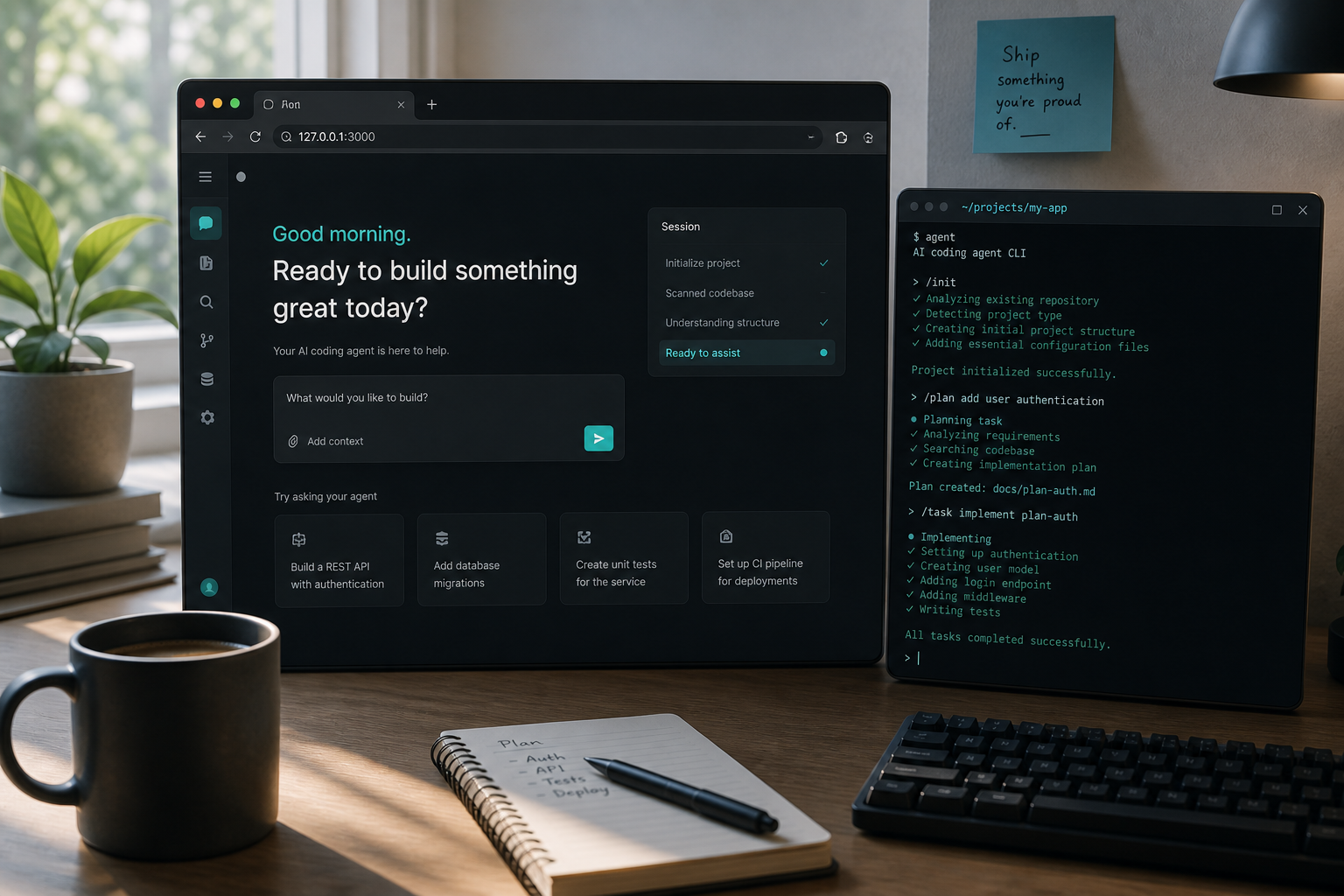
DeepSeek Harness is not Claude Code’s CLI and not a polished desktop shell. It boots a local Web UI. That surprise alone explains half the confused first-hour posts. Here is a condensed day-one path that matches how people actually succeed — plus the traps that waste an afternoon.
Rewritten from popular WeChat hands-on write-ups (including the “爆肝实测一天” style coverage). We keep the workflow, cut the hype, and point you at verified plugins instead of infinite skin screenshots.
Install, then dsh web
Let another agent install from the official harness docs if you want, or follow the project README yourself. When it works, the important command is:
dsh webBrowser opens something like http://127.0.0.1:3080/. Paste a DeepSeek API key, fund the account, pick a workspace folder before you chat — DSH expects a working directory the way an IDE expects a project.
Permissions before clever prompts
- Read Only — inspect without edits
- Workspace Write — normal day-to-day; out-of-scope ops should ask
- Full Access — guardrails off; only when you know the next action
Then learn the four modes (Standard / PTC / Minimal / Create) at a high level — names scare people more than the differences deserve. Details: modes guide.
What “everything is a plugin” feels like on day one
Skins and TUI themes are the candy aisle. Underneath, plugins can swap prompts, tools, skills, context policy, and even pieces of how the agent executes. That is power — and also why random GitHub installs brick boots. Browse the directory for verified badges and exact install commands before you collect skins.
Cost reality check
Long agent days burn tokens. Community reports of “hundreds of millions of tokens for tea-money” were often priced before cache-input hikes. Cache hit rates in the mid-90%s are common when the session log stays healthy — still read cost & caching before you assume the old milk-tea bill. DeepSeek can stay cheap relative to GPT-class metered APIs; it is not free.
Traps that look like “DeepSeek is thinking”
- Lost tab syndrome — too many browser tabs. New tab →
http://127.0.0.1:3080/; sessions are not gone. - Zombie “Deep diving” — UI timer keeps climbing after you killed the
dsh webprocess. Check the terminal first. - Wrong mental model — if you wanted a native desktop, see desktop alternatives; DSH itself is web-first.
Who this is for
Developers who like visible traces, swappable parts, and open install paths will feel at home. People who want a one-click office copilot will bounce — and that is OK. Use day one to prove the loop on a scratch repo, install one verified plugin that solves a real gap (memory, vision, IM), and only then go shopping in the long tail.