
Blog · Review
Week one with DeepSeek Harness: MCP without the restart
August 25, 2026 · dshbase · a field note for installers
Not every DeepSeek Harness write-up has to be a 4,000-word architecture essay. A first-week note that lands on the ground is often more useful than the history of Cordis. The takeaway that actually matters from a week in, from a researcher who spends his days inside jadx and Android decompilers: it "feels a lot like Codex," the experience is "average" on the surface, and — the part worth keeping — you can work around MCP's rough edges without restarting the harness, and put it to a real job: pulling an APK's package name out of jadx. This is that week, expanded for installers.
Getting in takes one command — you supply the key
The fastest honest description of day one is: install Node.js, then run
npx @deepseek-ai/dsh web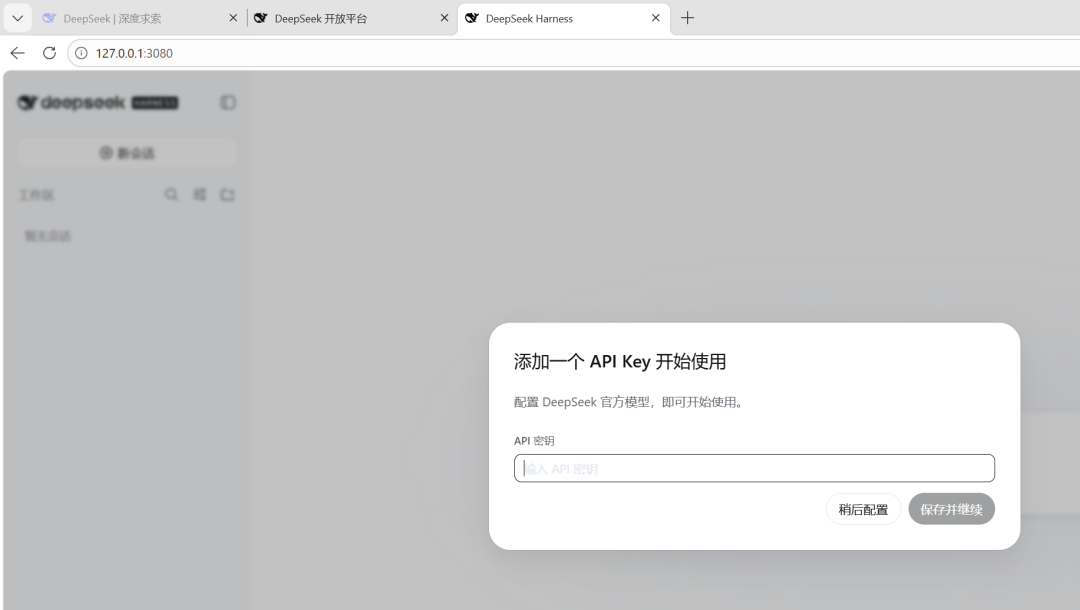
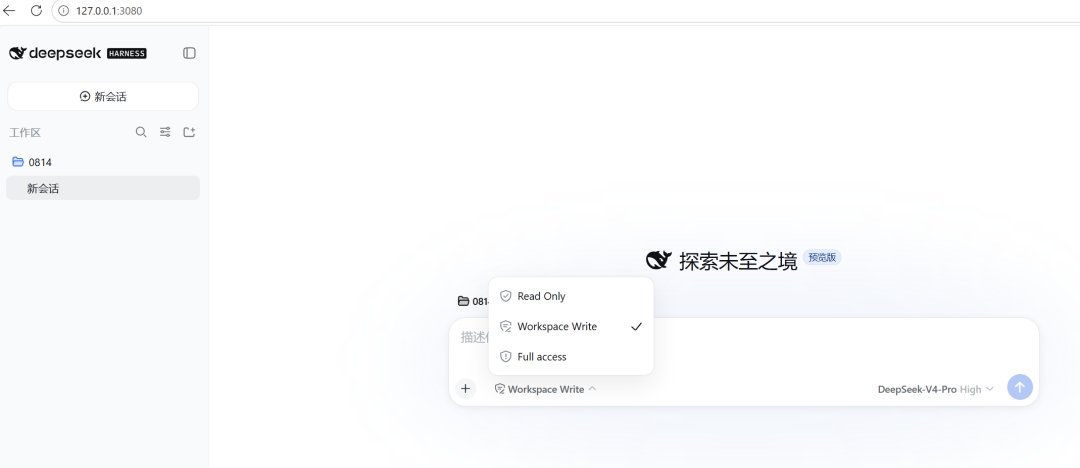
That boots the Web UI at http://127.0.0.1:3080, and the first thing it asks for is your own API key. The harness itself is free and open source; the token bill is yours. The page logic is familiar to anyone who's used a chat client — new chat, a workspace list on the left, a permission picker on the input — which is both a compliment and a caveat, because the part people actually trip on isn't the chat UI, it's configuration.
Skills and plugins land in a folder — and show up in the slash menu
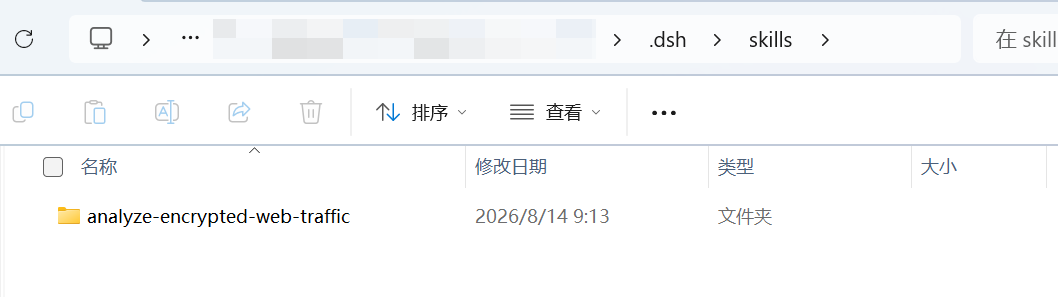
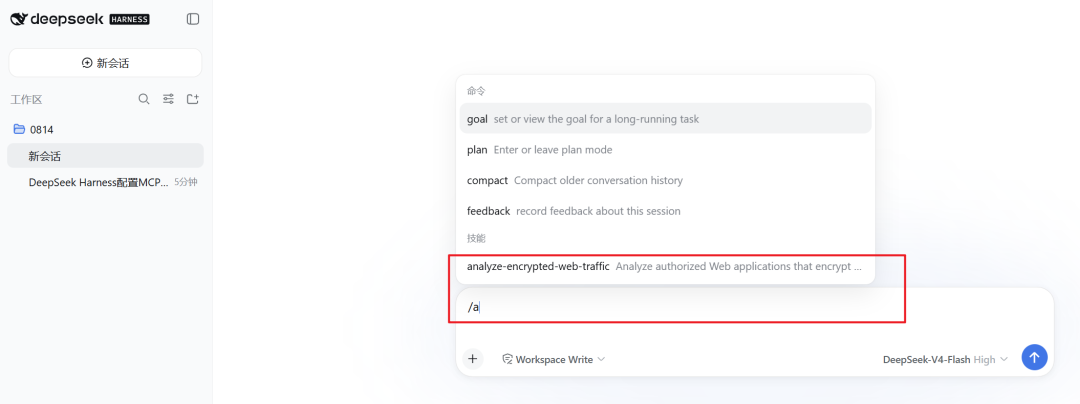
Skills live in .dsh\skills\ under the current project. The workflow that worked: drop a skill folder in, refresh the page, and it's available — then it turns up right in the slash-command menu, alongside the built-in commands. No compile step, no daemon restart.
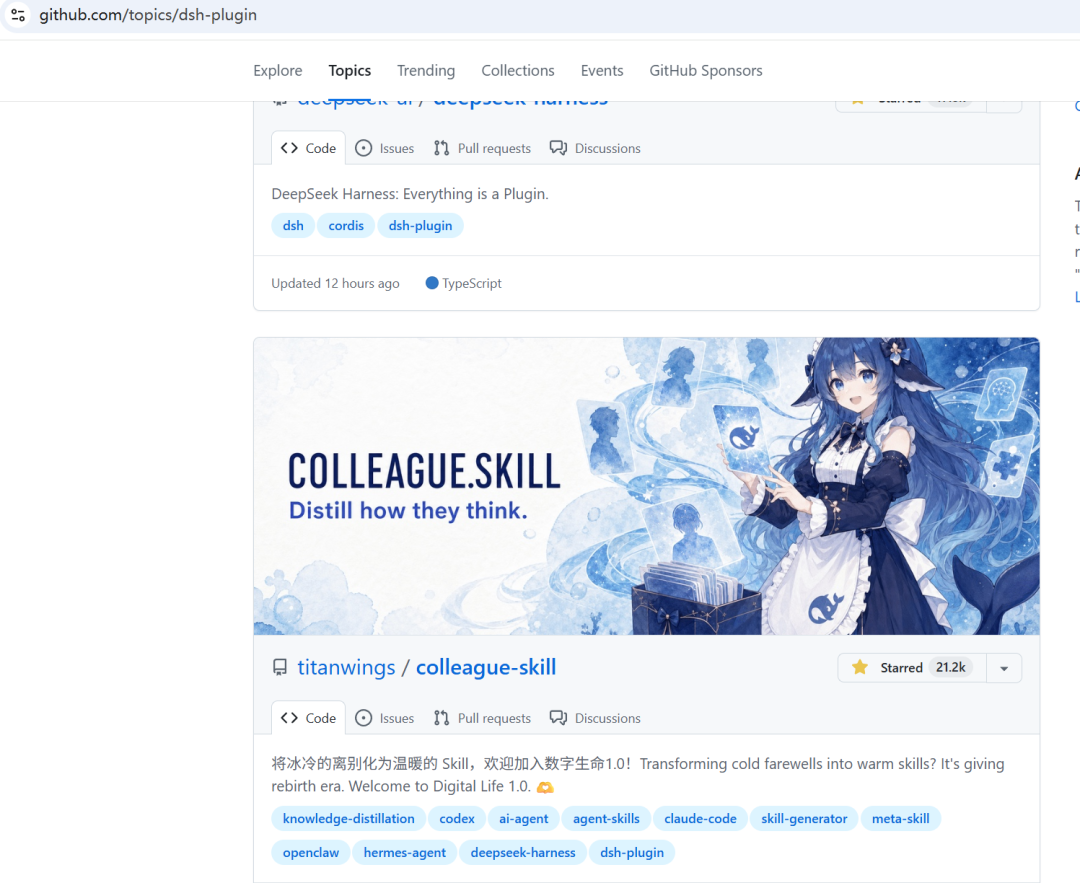
Plugins ride the same "everything is a plugin" line. They're discoverable on the dsh-plugin topic, and a lot of them are one line — which is exactly why our verified directory will only mark one as verified after it actually installs and runs.
The real friction: MCP, and how to fix it without a restart
The honest read on MCP: "right now it's not good, it's really not good." The Web UI has no GUI for managing MCP, there's no manual start/stop, connections are intermittent, and the harness sometimes picks up MCP servers from your other tools. That last one is the kind of behavior that makes you nervous about which server actually answered a call — a real problem the moment you point an agent at sensitive tools.
The workaround is genuinely useful for any installer: you don't need to stop and start the harness to change MCP config. Edit mcp.patch.yml in the project root and the change is picked up. A config patch like this, pointing at a local streamable-http MCP server for jadx:
insert:
  - id: mcp-jadx
    name: '@deepseek-ai/dsh-mcp-client'
    config:
      serverName: jadx-mcp-server
      transport: streamable-http
      url: http://127.0.0.1:8651/mcp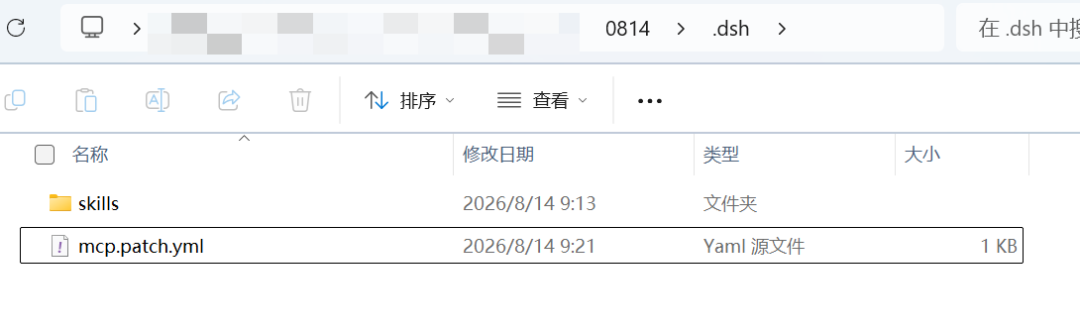
The separate @deepseek-ai/dsh-mcp-client wrapper here matters: it keeps the MCP transport as a swappable layer, which is exactly the modular-adapters pattern we'd expect from a Cordis-based harness.
The payoff: a real reverse-engineering ask
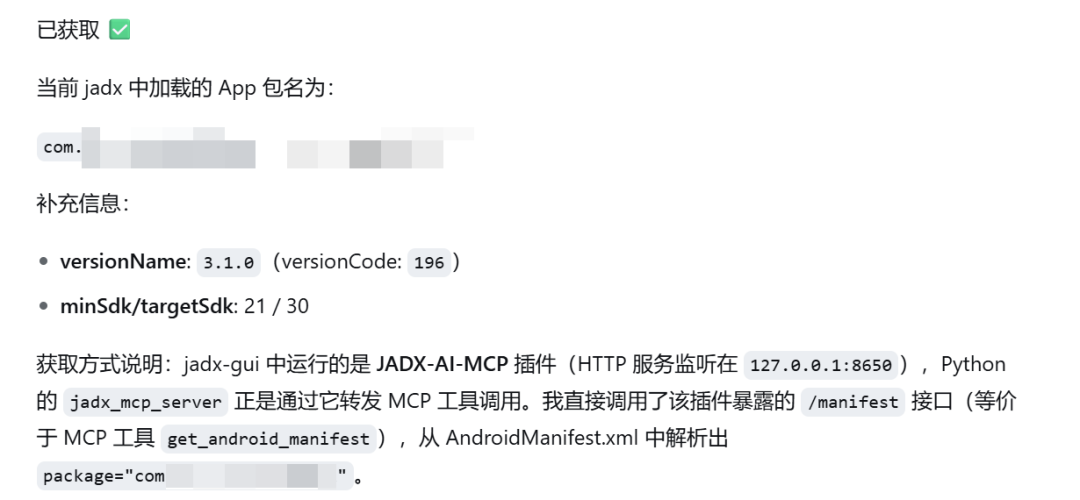
With the jadx MCP server attached, the prompt to the agent was concrete: "get the current app's package name from jadx." Small thing — a package name is a string, not a vulnerability — but it's the shape of the whole job. Once an agent can reach into a decompiler through MCP, "what does this APK include" becomes a prompt instead of a plugin-and-click workflow, and for vuln hunting that inverts how fast a triage loop can run.
Verdict, honestly
Preserving the spirit of the note: "All in all, there's a future here. Mm, a future." For a general-purpose assistant, week one is "average" and Codex-like — familiar, functional, nothing that will surprise a Claude Code user yet. For a niche job with the right MCP servers wired up, it already does something the closed tools make you pay more to assemble. That distinction — a tool that's averagely good broadly, and sharply good in a narrow workflow you configure — is the same divide our verified directory draws between "extraordinary count" and "this one installs and runs."