
Blog · Review
Ten plugins worth your time: a shortlist, not a star chase
August 27, 2026 · dshbase · plugin round-up
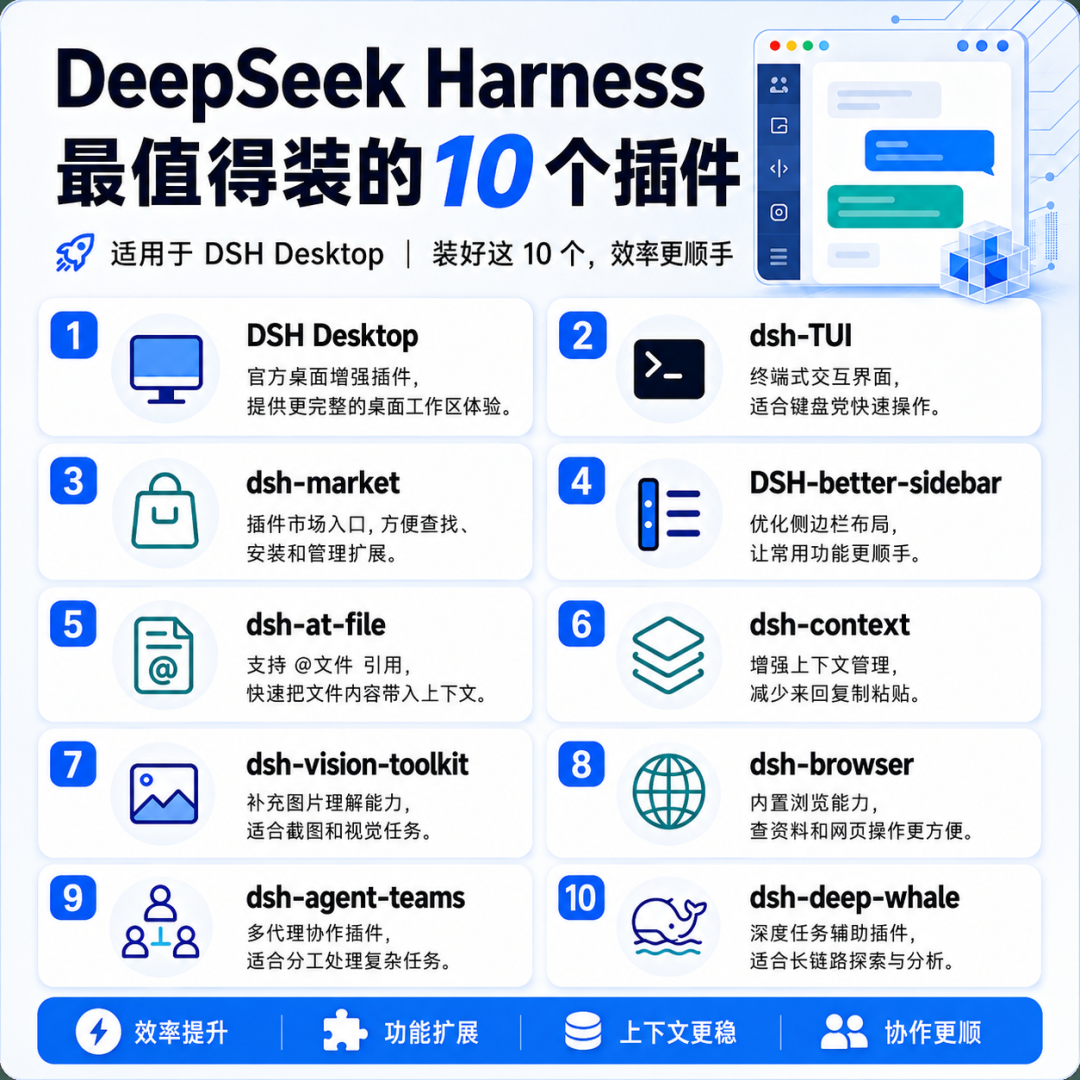
The stock DeepSeek Harness experience is deliberately bare. That is by design — everything is a plugin — but it means the first hour after `npm i` can feel underwhelming. The catch: within days of launch the community spawned thousands of repos, many of them old projects that reworded their README to ride the wave, and plenty that simply do not run.
This list is the opposite of a star-count ranking. Every entry below is something people have actually got working, each with an honest note about who needs it — because the second trap after fake stars is installing everything at once.
1 · DSH Desktop — skip the Node setup entirely
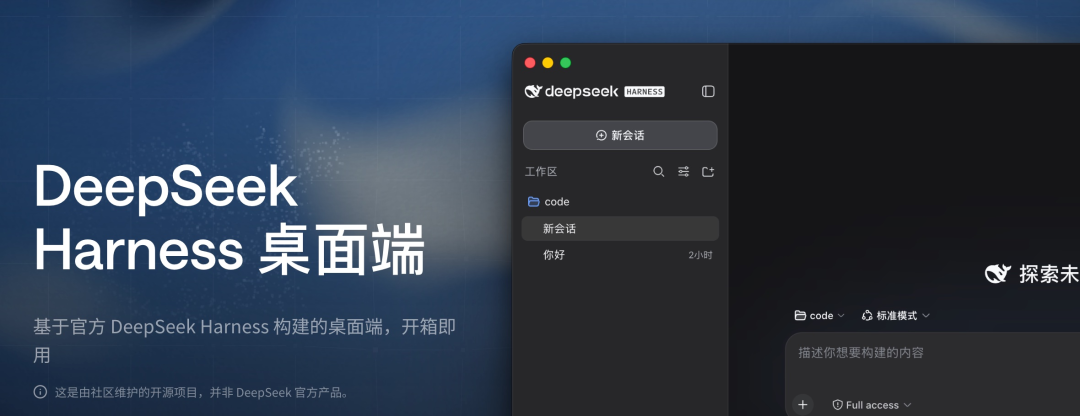
A community-built Electron wrapper (anywhere-labs/deepseek-harness-desktop) that packs the whole Harness into an installer for macOS (Apple Silicon) and Windows x64. Fill in your API key, point it at a scratch workspace, grant read-only on that folder, and if it can list your directory you are done. One warning matters: this is a personal project, not an official client. High stars are not a security audit — confirm you can fully uninstall it before making it your daily driver.
2 · dsh-TUI — for terminal natives
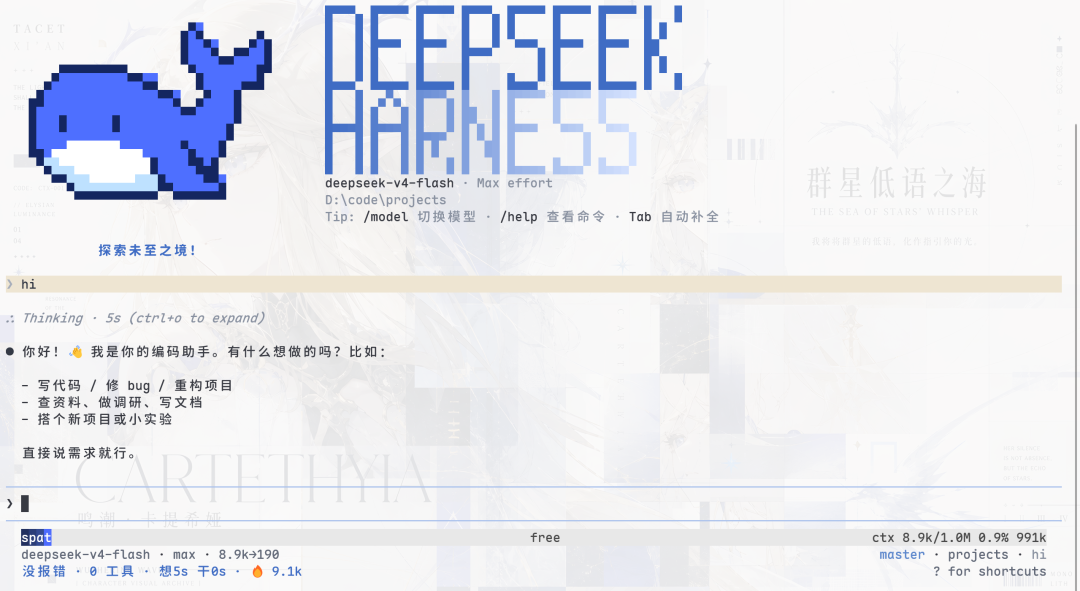
If you live in the terminal or develop over SSH, dsh-TUI keeps the official agent/tool/permission engine underneath and swaps only the interface. The combination people report as stable is @deepseek-ai/[email protected] with [email protected] — pin both. Node 24 and pnpm 10+ are recommended. First thing after launch: run /doctor.
3–5 · Market, sidebar, @-file — the daily trio
dsh-market adds a plugin browser into Settings so discovery is one click away. It lowers installation friction, not risk — still read the repo before you hit install. The screenshot below shows what it looks like in practice.
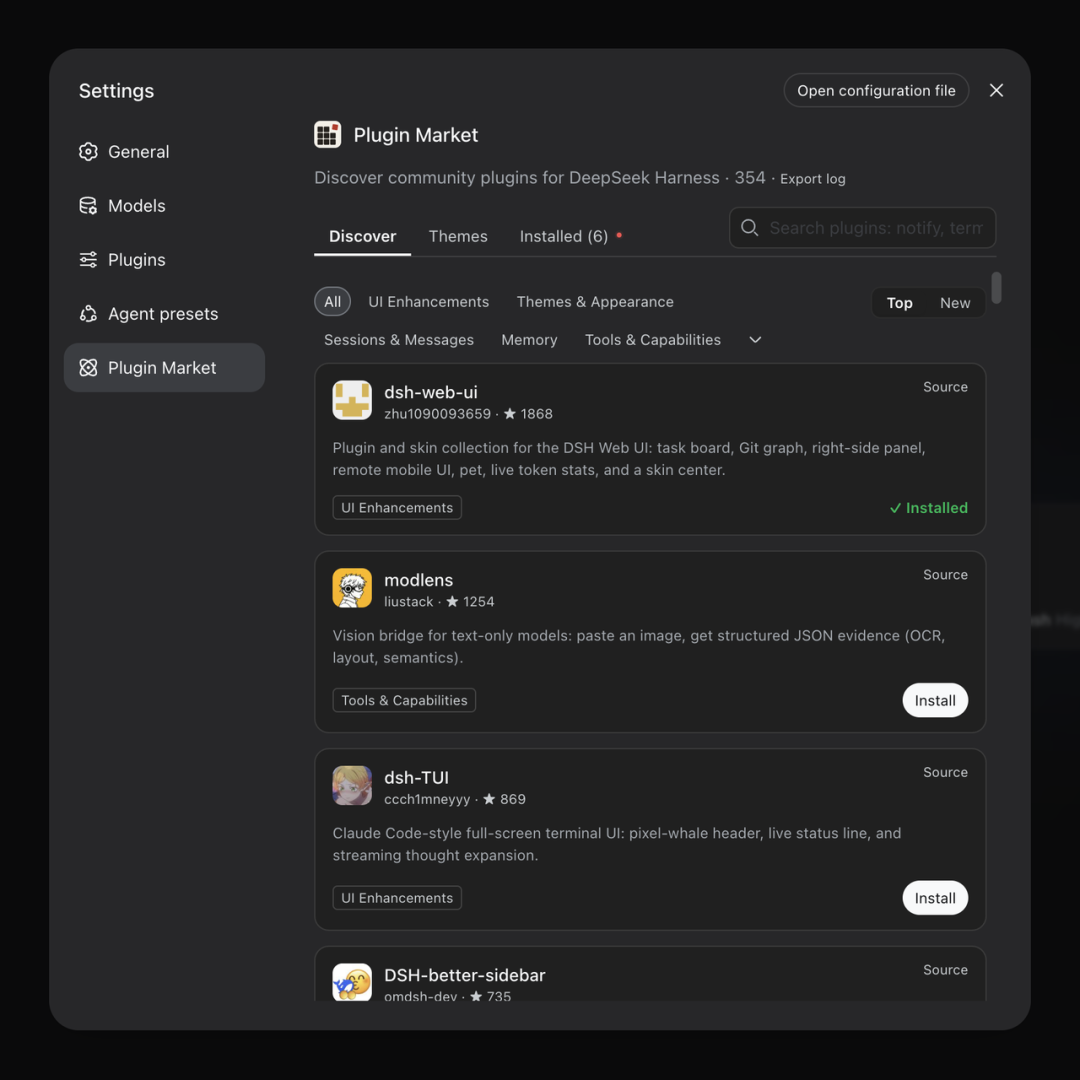
better-sidebar turns the left panel into something IDE-shaped: file tree, terminal, git status and subagents on one screen. Note its installer runs a script that edits local config — skim the script first; TUI users can skip it. dsh-at-file lets you type @ to reference workspace files by path instead of pasting entire documents into the prompt.
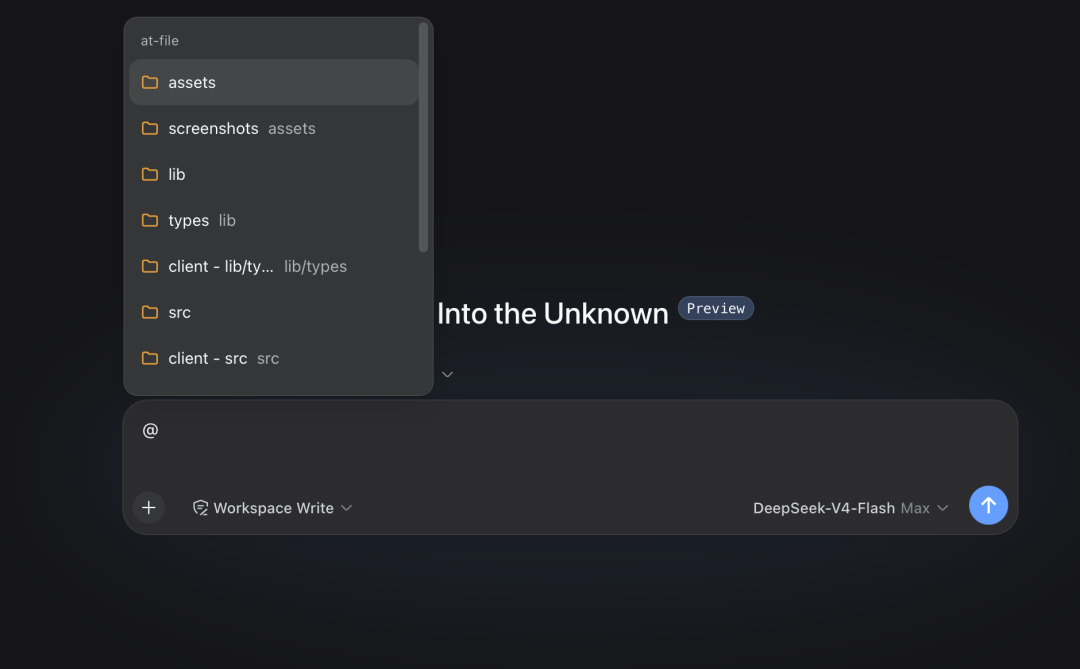
6–8 · Context meter, vision, browser — fix real gaps
dsh-context shows how many tokens history, tool definitions and context files consume per request — illuminating when bills creep up. It only measures; it does not slim anything for you. dsh-vision-toolkit patches the biggest default gap: the default text models cannot see images, so the first screenshot you paste errors out. It requires a separate key from a vision-capable provider, and OCR output should be treated as a lead, never as evidence. dsh-browser drives your running Chrome with your logins attached — powerful and exactly as dangerous as that sounds. Test with a throwaway account, restart the web service after installing, and do not confuse it with the unscoped npm package of the same name.
9–10 · Teams and skins — only on real demand
dsh-agent-teams hardens ad-hoc subagent dispatch into fixed workflows (review, parallel research, three-step delivery). Multi-agent runs multiply both token spend and approval pop-ups, so casual users should pass. Skins (dsh-deep-whale, glass-morphism themes) are cosmetic — just check image licenses before any commercial use, since anime-styled asset packs often restrict it.
How to choose without wrecking your setup
Pick one front-end (Desktop, TUI, or web) and stick with it — stacking all three scrambles your config. Add the market plus sidebar plus @-file once you are committed; add vision, browser control, orchestration and skins only when a concrete task demands them. The community will produce two thousand more repos next week; your attention should not chase them.