
插件目录 / UI & Skins / deep-design
deep-design
已验证 · 实测可装 temidayoxyz
功能简介
Design mode for DeepSeek Harness: the design-loop agent preset plus design-principles and design-qa skill packs
可用 — 实测通过,早期项目
Design mode for DeepSeek Harness: the design-loop agent preset plus design-principles and design-qa skill packs 实测能干净安装、正常启动。早期项目,但功能可用。
「已验证」表示我们的自动化 CI 在干净 profile 里实际执行了 dsh plugin add 并启动成功——仅此而已。功能描述与版本兼容性均为作者声明。这不是安全审计,也不代表对第三方代码的背书。
README
Deep Design
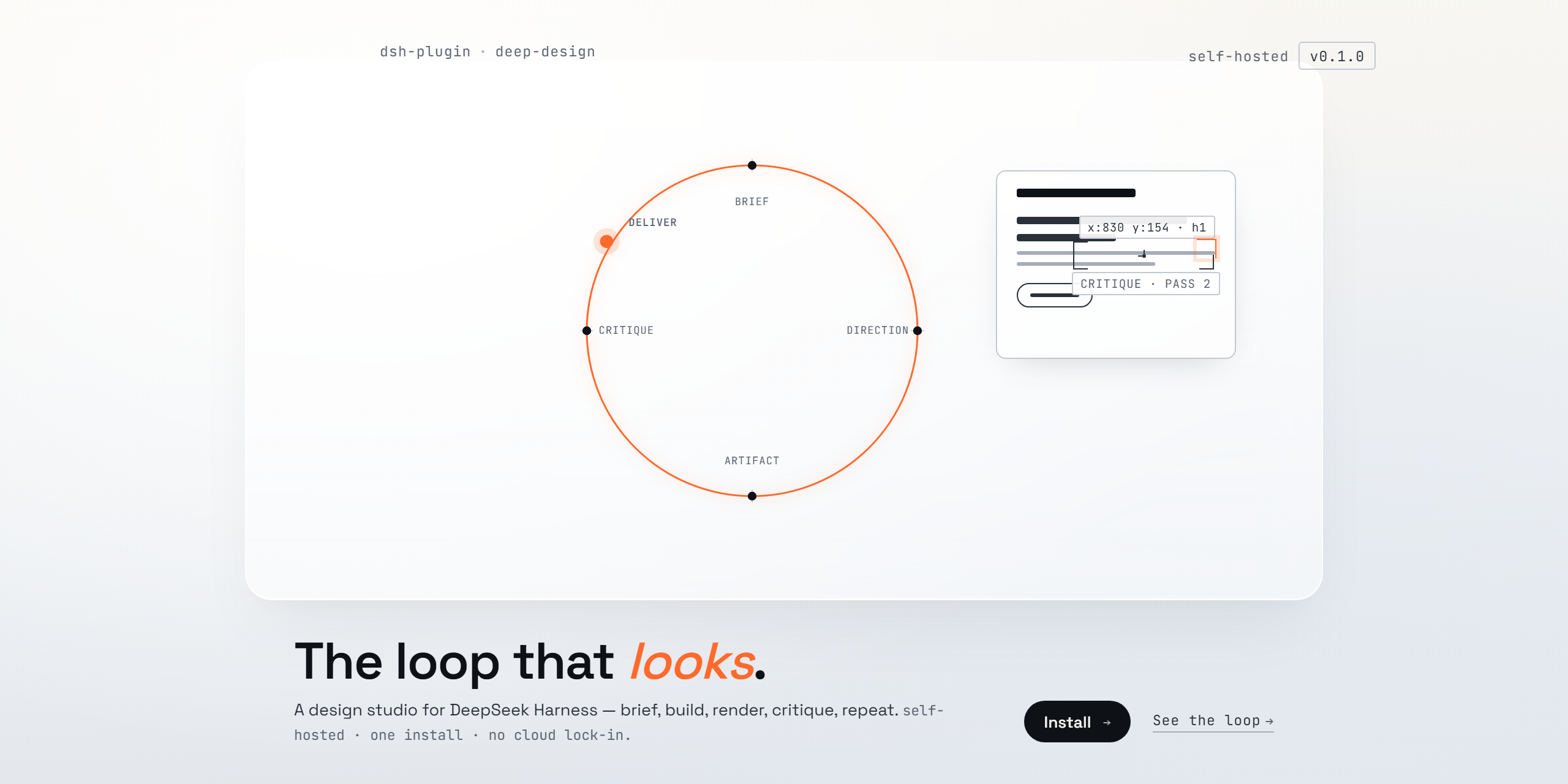
Design mode for DeepSeek Harness — a self-hosted alternative to Claude Design, Open Design, Google Stitch, and Figma Make, built on the DeepSeek Harness agent engine.
Deep Design turns your local harness into a design studio. It runs the same loop those products run — brief → direction → artifact → critique → deliver — with rendered visual QA at every pass, on your machine, with your own models and API keys.
What it installs
One plugin, three things:
- Deep Design — an agent preset in your roster: a complete design agent (shell, files, web research, skills, plans, subagents, workflows) whose entire job is the design loop.
deep-design-principles— the design intelligence: first-principles brief, design language before implementation, composition, motion, anti-slop audits, a scoring rubric, and a final self-review.deep-design-qa— the visual feedback loop: headless render at desktop and mobile → a critic pass (a subagent that diagnoses but never writes code) → targeted fixes → re-render → compare. With a pixel-sampling fallback for models without image input.
Both skills register globally, so any agent mode can load them from the skill catalog — not just Deep Design sessions.
Install
dsh plugin --profile web add dsh-deep-design    # from the npm registry once published, or
dsh plugin --profile web add ./deep-design      # from a checkout
Restart the Web UI, open the new-session screen, and choose Deep Design from the agent-preset chip. (The web profile is the one dsh web boots; use the same command with another profile name for other surfaces.)
The plugin installs the preset into $DSH_HOME/.agent-presets/design/, the standard user-preset directory every deployment scans. Installation is idempotent and never overwrites an existing directory — once you edit your copy, it is yours.
The loop
brief → direction (.design/direction.md) → design system → artifact
     → render (headless, desktop + mobile)
     → critic pass (structured visual diagnosis)
     → fix → re-render → compare → deliver
Design memory compounds across sessions: the loop reads .design/ in the workspace at session start and records lessons at session end. Designs get better with use, not just with better models.
Notes
- Best with a vision-capable model for Deep Design sessions — the critic sees better with eyes. The pixel-sampling fallback keeps the loop honest without one.
- Web research is enabled on the preset (
fetch: true); configure the harness's web provider for reference grounding. - Deep Design runs entirely on your machine. Nothing leaves it unless you choose a cloud model.
License
MIT.
安装
装一次目录插件,之后本站所有插件都能让 DeepSeek Harness 自动找、自动装:
dsh plugin add dshbase-catalog然后对 agent 说「帮我装 deep-design」,它会在目录里找到并自动安装。文档:dshbase-catalog · 已验证场景包。
该插件是 GitHub 源码(未发 npm)——直接从仓库装:
Web profile:
dsh plugin --profile web add github:temidayoxyz/deep-designHeadless(CLI)profile:
dsh plugin --profile headless add github:temidayoxyz/deep-design实测报告
验证通过:从 GitHub 源码完成 L1 安装 + L2 加载 + L3 运行(dsh 0.1.0-rc.6)。
分享徽章
把这枚徽章粘进 README——它会链回本页,实测状态变化时自动更新:

[](https://dshbase.com/zh/plugins/deep-design/)<a href="https://dshbase.com/zh/plugins/deep-design/"><img src="https://dshbase.com/badges/deep-design.svg" alt="dshbase 实测可装"></a>