
插件目录 / Developer / ds-vision-plugin
ds-vision-plugin
已验证 · 实测可装 Sorwcyra
功能简介
粘贴图片,四模型视觉竞赛与OCR
可用 — 实测通过,早期项目
粘贴图片,四模型视觉竞赛与OCR 实测能干净安装、正常启动。早期项目,但功能可用。
「已验证」表示我们的自动化 CI 在干净 profile 里实际执行了 dsh plugin add 并启动成功——仅此而已。功能描述与版本兼容性均为作者声明。这不是安全审计,也不代表对第三方代码的背书。
README
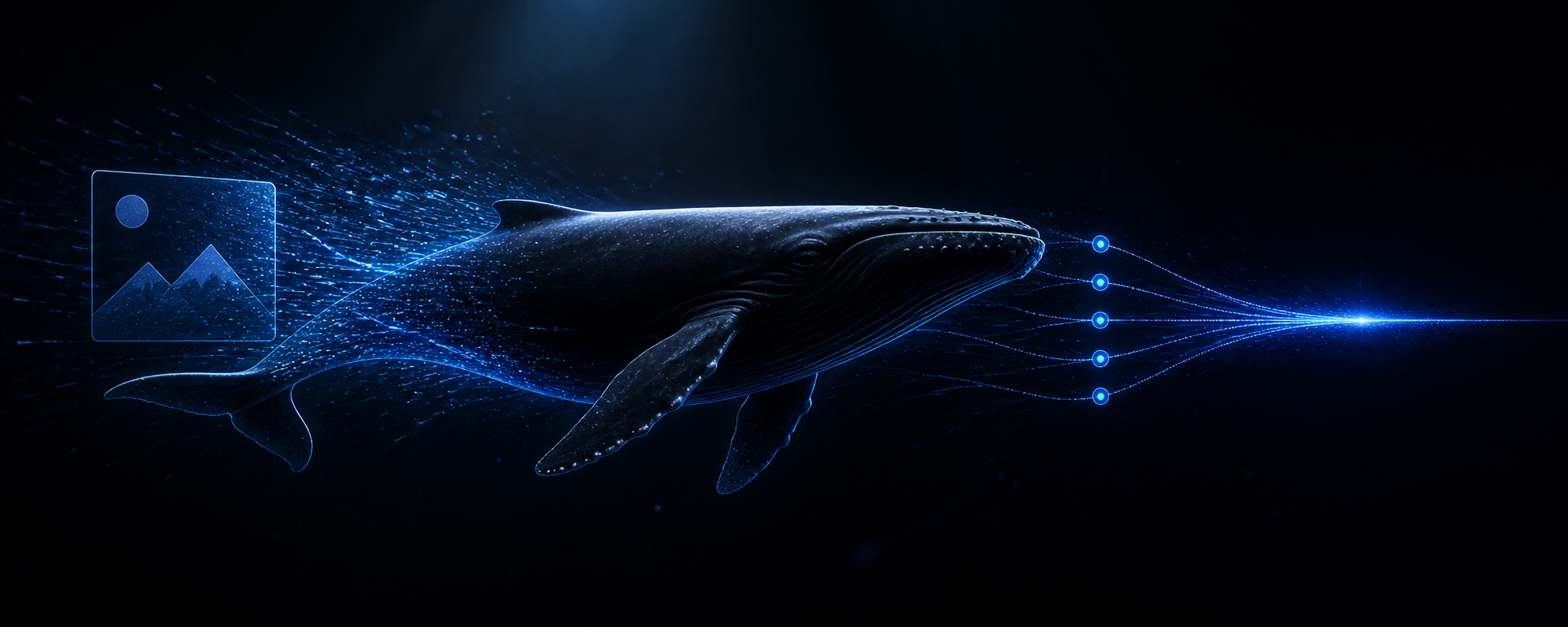
ds-vision-plugin
Paste an image. Let four vision models race. Keep DeepSeek text-only.
简体中文 · Quick start · Routing · Verification · License








paste → attachment → race ×4 → grounded text → DeepSeek
An installable DeepSeek Harness bundle that gives a text-only DeepSeek model a natural image-input experience. Paste or drop an image into the Web composer; the plugin reads Harness's verified attachment, races configured vision models or OCR, replaces the image with grounded text at agent/pre-step, and lets DeepSeek continue normally.
[!NOTE]
No Harness source fork is required. The plugin also exposesvision_analyzeandvision_statusfor workspace files and diagnostics.
Why it exists
| User need | Plugin answer |
|---|---|
| Paste screenshots directly into a text-only DeepSeek chat | Automatic Web attachment-to-text conversion |
| Avoid waiting on one slow or unavailable visual provider | Four models start together; first valid result wins |
Reuse the proven ds-vision-skill route design |
Agnes 2.5 + Agnes 2.0 + GLM-4V-Flash + GLM-4.1V-Thinking-Flash |
| Add a private relay, paid model, or local runtime | Unlimited OpenAI-compatible race or fallback routes |
| Configure without hand-editing YAML | Guided CLI for setup, keys, status, custom models, and live verification |
| Keep failures understandable | Visible annotation or strict failure; images are never silently discarded |
Why choose this plugin
- Native paste/drop UX: users attach images directly in the Harness Web composer without first saving a path or naming a tool.
- The proven
ds-vision-skillfour-model pattern: Agnes 2.5, Agnes 2.0, GLM-4V-Flash, and GLM-4.1V-Thinking-Flash start together; the first valid response is handed to DeepSeek. - No GLM 4.6 dependency: the default configuration, routing, and tests contain no
glm-4.6v-flashroute. - No Harness source fork: the implementation uses a scoped Host capability bridge, durable attachments, and the official
agent/pre-stepextension. - Low setup friction: the CLI creates configuration, reports channel readiness, saves masked keys on Windows, adds arbitrary OpenAI-compatible models, and verifies a real image.
- Open-ended routing: user models are not limited to three slots and can join either the concurrent race or ordered fallback.
- Explicit failure behavior: images are never silently discarded; deployments choose visible annotation or strict failure.
The four-way race can start four provider requests for each uncached image. It is recommended when latency and availability matter most. If request count, cost, or data exposure matters more, remove channels from routing.race or prefer local VLM/OCR routes.
Routing model
flowchart LR
    U["Web composer<br/>paste / drop image"] --> A["Harness attachment store<br/>verified bytes"]
    A --> P["ds-vision-plugin<br/>agent/pre-step"]
    P --> R["Four-model race<br/>Agnes 2.5 + Agnes 2.0<br/>GLM-4V + GLM Thinking"]
    P --> O["OCR route<br/>Baidu / Tesseract"]
    P --> C["Custom routes<br/>cloud / relay / local"]
    R --> T["Grounded text block"]
    O --> T
    C --> T
    T --> D["Text-only DeepSeek<br/>continues reasoning"]
- Automatic conversion for Web image attachments; default route filter:
deepseek-official. - Multiple images per message and images nested in tool results.
- Four-model first-success race:
agnes-2.5-flash,agnes-2.0-flash,glm-4v-flash, andglm-4.1v-thinking-flash; losing requests are cancelled. glm-4.6v-flashis not used.- Any number of user-owned OpenAI-compatible models can be added to the race or ordered fallback.
- Prompt-aware OCR routing to Baidu OCR or local Tesseract; VLM fallback if OCR is unavailable.
- Custom hosted endpoints plus local Ollama/LM Studio support.
- YAML hot reload, result caching, timeouts, size limits, and real-path confinement for the manual file tool.
- Strict failure or visible failure annotation; images are never silently dropped.
- Secrets are named by environment variable and are not returned by
vision_status.
Quick start
Requirements: Node.js 22.19+ or 24+. Run one command in PowerShell, Command Prompt, bash, or zsh:
npx -y github:Sorwcyra/ds-vision-plugin
The command installs or updates the plugin when needed, creates the four-model configuration without overwriting an existing one, guides key setup, starts the Web profile on the Harness-configured default port, and opens the browser. The plugin does not override that default (currently 3080). Run the same command next time. If the default port is already serving, it simply opens the existing Web UI instead of starting a duplicate process.
Useful options:
| Option | Purpose |
|---|---|
npx -y github:Sorwcyra/ds-vision-plugin --update |
reinstall even when the package version matches |
npx -y github:Sorwcyra/ds-vision-plugin --port 8080 |
explicitly override the Harness Web port |
npx -y github:Sorwcyra/ds-vision-plugin --no-open |
start without opening a browser |
npx -y github:Sorwcyra/ds-vision-plugin --no-start |
install and configure only |
Manual installation and local development
$env:npm_config_ignore_workspace_root_check = 'true'
npx -y @deepseek-ai/dsh plugin --profile web add "github:Sorwcyra/ds-vision-plugin"
Using the prebuilt tarball:
$env:npm_config_ignore_workspace_root_check = 'true'
npx -y @deepseek-ai/dsh plugin --profile web add "C:\absolute\path\to\ds-vision-plugin-0.4.0.tgz"
Local checkout:
pnpm install
pnpm run build
dsh plugin --profile web add file:/absolute/path/to/ds-vision-plugin
Configuration CLI
After installation, create the default four-model race and inspect missing keys:
& "$env:USERPROFILE\.dsh\profiles\web\node_modules\.bin\ds-vision.cmd" configure
& "$env:USERPROFILE\.dsh\profiles\web\node_modules\.bin\ds-vision.cmd" status
Save GLM or Agnes keys interactively on Windows (input is masked):
& "$env:USERPROFILE\.dsh\profiles\web\node_modules\.bin\ds-vision.cmd" key glm
& "$env:USERPROFILE\.dsh\profiles\web\node_modules\.bin\ds-vision.cmd" key agnes-2.5-flash
One GLM_API_KEY enables both GLM models; one AGNES_API_KEY enables both Agnes models. Channels with missing keys are skipped immediately.
Run one live race and print the winning model:
& "$env:USERPROFILE\.dsh\profiles\web\node_modules\.bin\ds-vision.cmd" verify --image "C:\path\test.png"
Add any OpenAI-compatible model without editing YAML:
& "$env:USERPROFILE\.dsh\profiles\web\node_modules\.bin\ds-vision.cmd" add `
  --id my-vlm --base-url "https://example.com/v1/chat/completions" `
  --model "your-vision-model" --api-key-env "MY_VLM_API_KEY" --pool fallback
Use --pool race for concurrent first-success selection or --pool fallback for ordered use after the four defaults. The generated default is ~/.dsh/ds-vision/vision.yml; DS_VISION_CONFIG can override it.
Linux/macOS:
export DS_VISION_CONFIG=/absolute/path/to/vision.yml
export GLM_API_KEY=...
export AGNES_API_KEY=...
dsh web
Windows PowerShell:
$env:DS_VISION_CONFIG = 'C:\absolute\path\to\vision.yml'
$env:GLM_API_KEY = '...'
$env:AGNES_API_KEY = '...'
dsh web
Automatic attachment settings
The bundle patch accepts these environment overrides:
| Variable | Default | Meaning |
|---|---|---|
DS_VISION_AUTO_CONVERT |
true |
Set to false to disable automatic Web attachment conversion. |
DS_VISION_AUTO_PROVIDERS |
deepseek-official |
Comma-separated primary provider routes. Empty in a custom patch means all providers. |
DS_VISION_AUTO_INTENT |
auto |
auto, reason, or ocr. Auto selects OCR when the request asks for text extraction. |
DS_VISION_AUTO_FAILURE_MODE |
annotate |
annotate replaces a failed image with a visible error marker; error fails the step. |
For advanced overrides (autoPrompt, autoComplex, autoAccurateOcr), replace the complete ds-vision row config in the profile's cordis.patch.yml; Harness patch layers replace row configs rather than deep-merging them.
Use
Start the Web profile, choose the DeepSeek provider, paste or drop one or more PNG/JPEG/WebP/GIF images into the composer, add an optional question, and send. No path or tool name is needed. The converted visual description becomes the model-facing durable message, so the settled transcript shows the generated text rather than retaining a core image block that the text-only adapter would reject.
For a workspace file, the model can still call:
vision_analyze(path, prompt, intent, complex, accurate_ocr, no_cache)
Use vision_status() to inspect effective routing and automatic-conversion status without exposing keys.
Privacy and failure behavior
Automatic Web attachments are read only through Harness's verified private attachment service. A configured cloud channel receives the image bytes. allowedRoots applies to explicit file paths, not Web attachments. Use a local VLM/Tesseract or disable automatic conversion for sensitive images.
The default annotate mode removes an unsupported image block only after emitting a clear conversion-failure marker, allowing DeepSeek to explain the issue. Use error when a failed conversion must stop the request.
Build and verify
pnpm run build
pnpm run check
pnpm run pack:check
pnpm pack --pack-destination ./artifacts
Simulate the default ds-vision-skill race
Run the deterministic four-model Mock without provider keys:
pnpm run build
pnpm run test:race
| Model | Mock latency |
|---|---|
glm-4v-flash |
40 ms |
agnes-2.5-flash |
120 ms |
agnes-2.0-flash |
160 ms |
glm-4.1v-thinking-flash |
200 ms |
The test asserts that all four requests start, glm-4v-flash wins first-success selection, and no 4.6 model exists in the default. The full pnpm run check additionally covers Host image admission, attachment-to-text conversion, failure modes, arbitrary CLI-added models, and path security.
See VERIFICATION.md for the tested upstream commit, automated cases, package contents, and isolated Harness installation result.
Related project
This plugin adapts the four-model routing pattern from ds-vision-skill to the DeepSeek Harness Web composer and lifecycle.
Star history
Contributors
Bug reports, provider fixes, documentation improvements, and new routing strategies are welcome.
License
Released under the MIT License.
安装
装一次目录插件,之后本站所有插件都能让 DeepSeek Harness 自动找、自动装:
dsh plugin add dshbase-catalog然后对 agent 说「帮我装 ds-vision-plugin」,它会在目录里找到并自动安装。文档:dshbase-catalog · 已验证场景包。
该插件是 GitHub 源码(未发 npm)——直接从仓库装:
Web profile:
dsh plugin --profile web add github:Sorwcyra/ds-vision-pluginHeadless(CLI)profile:
dsh plugin --profile headless add github:Sorwcyra/ds-vision-plugin实测报告
验证通过:从 GitHub 源码完成 L1 安装 + L2 加载 + L3 运行(dsh 0.1.0-rc.6)。
使用场景
扩展 agent 的编码能力面——给它一个新工具、工作流或集成,让它接手以前做不了的开发任务。
适合谁
想让 dsh 在真实代码库上像队友一样干活的开发者——能改、能跑、能验证,而不只是回答问题。
二次开发建议
工具/命令面就是缝:暴露更多 SDK 能力、加更聪明的上下文接线,或收紧改代码与验证之间的循环。
分享徽章
把这枚徽章粘进 README——它会链回本页,实测状态变化时自动更新:

[](https://dshbase.com/zh/plugins/ds-vision-plugin/)<a href="https://dshbase.com/zh/plugins/ds-vision-plugin/"><img src="https://dshbase.com/badges/ds-vision-plugin.svg" alt="dshbase 实测可装"></a>