
插件目录 / Automation / dsh-plugin-audiolib
dsh-plugin-audiolib
已验证 · 实测可装 yangyue1974
功能简介
环境音效插件,由代理状态驱动,百万曲库
可用 — 实测通过,早期项目
环境音效插件,由代理状态驱动,百万曲库 实测能干净安装、正常启动。早期项目,但功能可用。
「已验证」表示我们的自动化 CI 在干净 profile 里实际执行了 dsh plugin add 并启动成功——仅此而已。功能描述与版本兼容性均为作者声明。这不是安全审计,也不代表对第三方代码的背书。
README
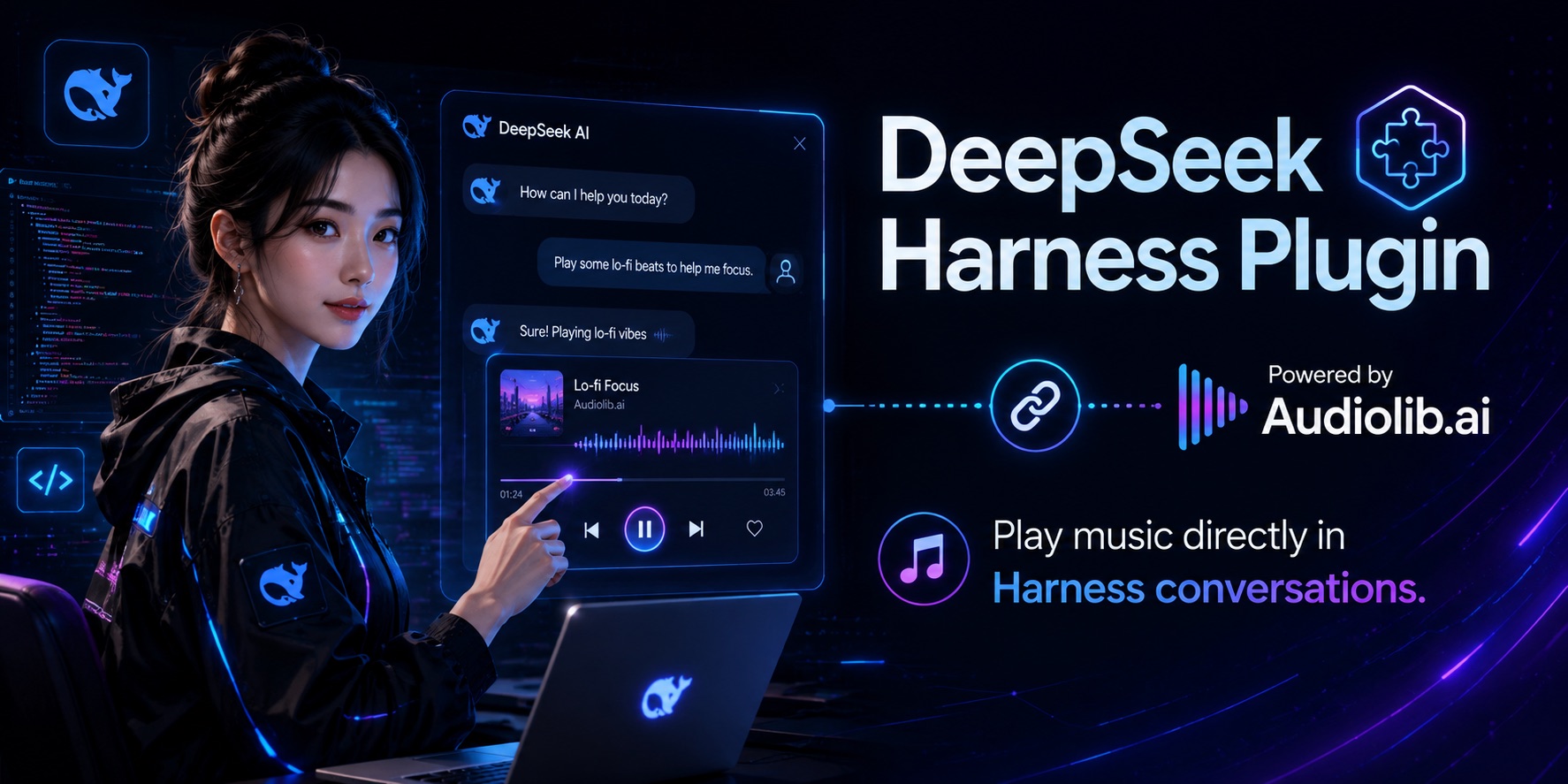
dsh-plugin-audiolib
English | 中文


An ambient soundtrack for DeepSeek Harness, driven by the agent's own state. Music comes from AudioLib.ai — 100,000+ fully-cleared tracks, one API call per track.
The agent already publishes everything needed as session events: a turn opens, work is happening; every turn closes, the room goes quiet. This plugin turns that stream into sound.
A track is never interrupted by a state change. Turns open and close far faster than a song lasts, so cutting mid-track reads as noise instead of feedback. The state you are in when a track ends decides what plays next. Only an explicit music_stop cuts playback, because silence requested is silence owed.
Install
If you installed DSH with npx @deepseek-ai/dsh web — no global install, the CLI lives inside the profile — then plain dsh is not on PATH; the shell answers command not found. Reach it through npx instead, and enable pnpm first: DSH manages profile plugins with pnpm and refuses without it.
corepack enable pnpm
npx @deepseek-ai/dsh plugin --profile web add dsh-plugin-audiolib
corepack ships with Node, so this adds no third-party global install, and corepack disable pnpm reverses it. Already have dsh on PATH some other way? dsh plugin --profile web add dsh-plugin-audiolib works the same.
Restart — npx @deepseek-ai/dsh web — then open Settings → Plugins → Plugin configuration and paste your key into the AudioLib soundtrack card. It goes to the DSH credential store (~/.dsh/.credentials.yaml, mode 600), never into a config file, and takes effect on the next track without a restart.
Get a key at audiolib.ai — the free tier is 300 requests/month.
The environment works too, if you prefer it:
export AUDIOLIB_API_KEY=alp_your_key
The card's library pickers are read-only for now: DSH serves only built-in plugins' settings sections to the browser (an allowlist in dsh-host-apiproxy, which its own comment marks as deferred work). Set the libraries in your profile's cordis.patch.yml until that lifts. The key control is unaffected — credentials are not namespace-gated.
Playback
Tracks stream: playback starts on the first buffered bytes, the way the AudioLib URL is meant to be consumed. That needs a player that reads a URL — mpv or ffplay, whichever is on PATH:
brew install mpv # or: apt install mpv
Without one, the plugin falls back to macOS's built-in afplay, which only reads local files. It then downloads each track ahead of the moment it is needed — a working fallback, but it spends several megabytes per track and stalls when switching libraries mid-session. Install a streaming player.
Configure
Override the row in your profile's cordis.patch.yml:
- id: audiolib
  name: dsh-plugin-audiolib
  config:
    workingLibrary: audio.focus
    idleLibrary: audio.ambient
| Field | Default | Meaning |
|---|---|---|
apiKeyRef |
AUDIOLIB_API_KEY |
Name of the credential holding the key — a reference, never the key itself |
baseUrl |
https://api.audiolib.ai/v1/audio |
Audio endpoint |
ambient |
true |
Let session events drive the soundtrack |
workingLibrary |
audio.focus |
Plays while a turn is open; '' for silence |
idleLibrary |
'' |
Plays once every turn has closed; '' for silence |
exposeTools |
true |
Give the model music_play / music_stop / music_status |
playerCommand |
[] |
Player argv; empty auto-selects. {url} declares a streaming player, {file} a file-only one |
requestTimeoutMs |
15000 |
AudioLib request deadline |
The catalog has 25 libraries — audio.focus, audio.ambient, audio.cinematic, audio.jazz, audio.classical, audio.sleep, audio.meditation, audio.workout, audio.electronic and more. Any id the API accepts works; the full list ships in src/libraries.ts and in music_play's description.
Tools
music_play(library)— the model scores its own work. Takes effect at the next seam; starts immediately when nothing is playing.music_stop()— stops now and stays silent untilmusic_playis called again.music_status()— reports the playing track plus the AudioLib plan, remaining calls, and rate limit. Every audio response carries a quota snapshot, so this costs no API call.
Both are ordinary registrations on ctx.tools, so they are available in Code Mode as await tools.music_play({ library }) too.
music_play's choice lasts as long as the work does: when the last open turn closes, the soundtrack returns to idleLibrary. An explicitly chosen library scores the stretch of work it was chosen for.
When a request fails, transient causes — network, 5xx, timeout, rate limit — back off and retry indefinitely, so the music resumes on its own. A bad key, an exhausted period, a missing player, or an unreadable response pauses instead; music_status reports which, and a quota pause lifts by itself when the period rolls over.
How it works
| Piece | Extension point |
|---|---|
| Activity tracking | ctx.on('session/event') — turn/start / turn/end, counted per session |
| Model control | ctx.tools.register() with raw JSON-Schema definitions |
| Teardown | ctx.effect() — unloading the plugin kills the player and removes every temporary file |
The placeholder in playerCommand decides the playback mode. {url} hands the AudioLib URL straight to the player, which buffers as it plays — nothing is written to disk and a track begins as soon as its API call returns. {file} means the player cannot stream, so the plugin downloads each track to a private temporary directory first and removes it afterwards.
Either way the plugin fetches one track ahead: at load, so the first turn opens on the downbeat, and again when a track starts, so the seam has no gap. AudioLib calls are cheap, so a prefetch discarded by a state change costs nothing worth optimizing.
Develop
npm install
npm run build
Load a source checkout into a running harness without installing it:
# audiolib.overlay.yml
- insert:
    - id: audiolib
      name: '/absolute/path/to/dsh-plugin-audiolib/lib/index.js'
      config:
        workingLibrary: audio.focus
dsh web --patch ./audiolib.overlay.yml
License
MIT
安装
装一次目录插件,之后本站所有插件都能让 DeepSeek Harness 自动找、自动装:
dsh plugin add dshbase-catalog然后对 agent 说「帮我装 dsh-plugin-audiolib」,它会在目录里找到并自动安装。文档:dshbase-catalog · 已验证场景包。
Web profile:
dsh plugin --profile web add dsh-plugin-audiolibHeadless(CLI)profile:
dsh plugin --profile headless add dsh-plugin-audiolib包信息
npm:dsh-plugin-audiolib · 版本 — · 实测环境 dsh 0.1.0-rc.6
实测报告
端到端验证通过:dsh 0.1.0-rc.6 上 L1 安装 + L2 加载 + L3 运行问答。
使用场景
自动化一项重复工作——调度、串联任务或响应事件——不用你亲手启动。
适合谁
有周期性工作、想 cron 式无人值守而非手动触发的人。
二次开发建议
触发器和任务模板是缝——加事件驱动或文件监听触发,以及更丰富的流程编排。
分享徽章
把这枚徽章粘进 README——它会链回本页,实测状态变化时自动更新:

[](https://dshbase.com/zh/plugins/dsh-plugin-audiolib/)<a href="https://dshbase.com/zh/plugins/dsh-plugin-audiolib/"><img src="https://dshbase.com/badges/dsh-plugin-audiolib.svg" alt="dshbase 实测可装"></a>