
插件目录 / Knowledge / dsh-plugin-memtrace
dsh-plugin-memtrace
已验证 · 实测可装 syncable-dev
功能简介
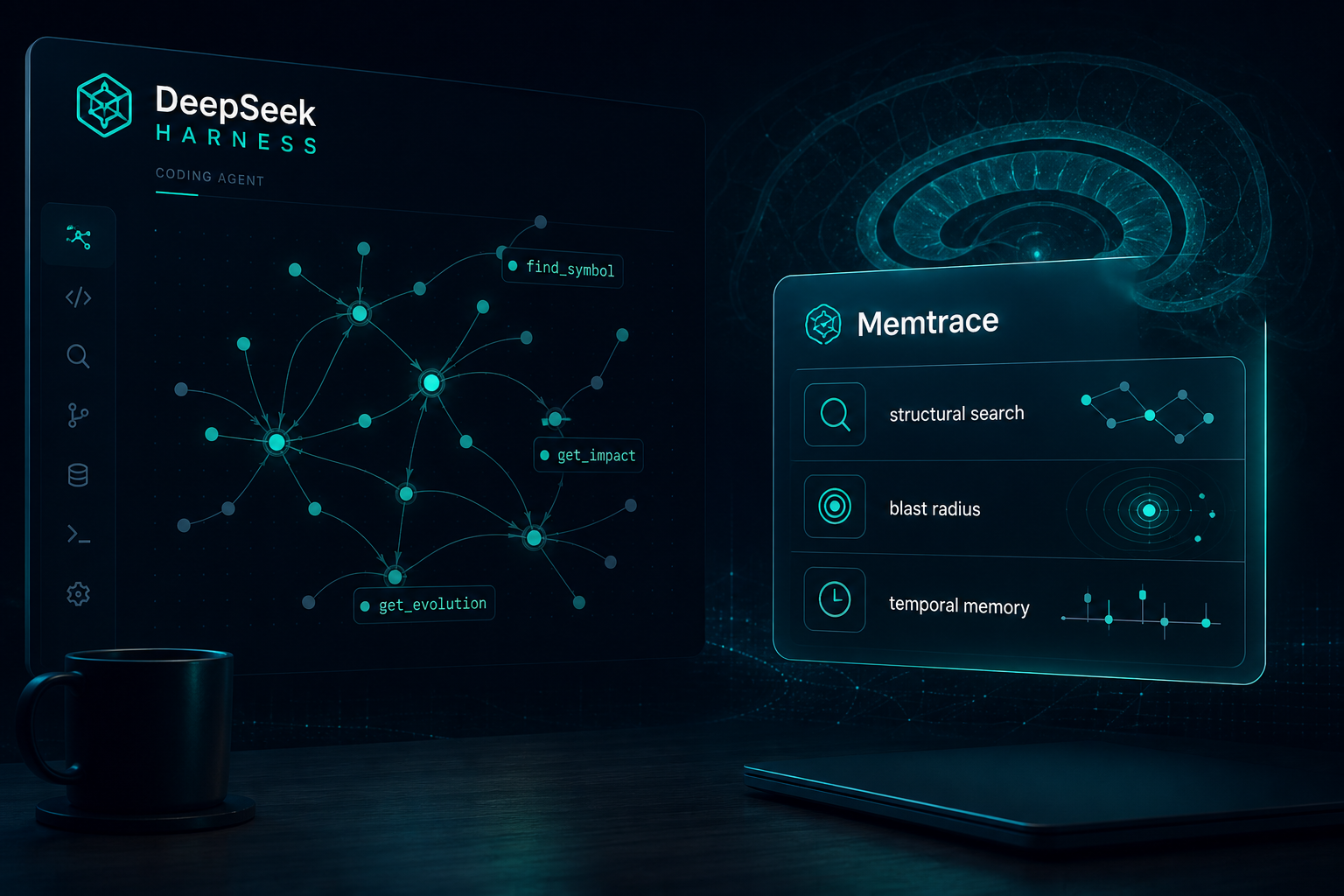
🧠 Local-first code intelligence graph for DeepSeek Harness. Structural search, blast radius, temporal memory, and 27 agent skills.
可用 — 实测通过,早期项目
🧠 Local-first code intelligence graph for DeepSeek Harness. Structural search, blast radius, temporal memory, and 27 agent skills. 实测能干净安装、正常启动。早期项目,但功能可用。
「已验证」表示我们的自动化 CI 在干净 profile 里实际执行了 dsh plugin add 并启动成功——仅此而已。功能描述与版本兼容性均为作者声明。这不是安全审计,也不代表对第三方代码的背书。
README

Memtrace for DeepSeek Harness
The code intelligence graph, as a DeepSeek Harness plugin.
Structural search · blast radius · temporal memory · 27 agent skills








What you get
One dsh plugin add wires Memtrace into DeepSeek Harness:
| Surface | What the agent sees |
|---|---|
| MCP tools | mcp__memtrace__find_symbol, mcp__memtrace__find_code, mcp__memtrace__get_impact, mcp__memtrace__get_evolution, mcp__memtrace__get_symbol_context, … — the full Memtrace graph, namespaced by the official DSH MCP client |
| Skills | 27 Agent Skills (memtrace-first, memtrace-search, memtrace-impact, memtrace-codebase-exploration, fleet coordination, …) registered on ctx.skills |
| Local-first | The graph lives on your machine. No cloud index. No repo upload. |
Ask the agent: "Index this repo, then show me the blast radius of apply."
It should call Memtrace — not grep.
Quick start
dsh is the DeepSeek Harness CLI (@deepseek-ai/dsh). Install that first — this plugin does not ship it.
# once
npm install -g @deepseek-ai/dsh

# then add Memtrace
dsh plugin --profile web add github:syncable-dev/dsh-plugin-memtrace

# no global install? same command via npx:
npx -y @deepseek-ai/dsh plugin --profile web add github:syncable-dev/dsh-plugin-memtrace

# 2. Restart the profile and confirm the layer
dsh --profile web --dump-config | grep -A4 'id: dsh-plugin-memtrace'
First launch may take a minute while npx memtrace mcp fetches the Memtrace binary. Pin a local install to skip that:
npm install -g memtrace
export MEMTRACE_BIN=memtrace
Then open the Web UI and index the workspace:
Use Memtrace to index this directory, then give me an architecture briefing.
Install & uninstall
| Channel | Command |
|---|---|
Git (main) |
dsh plugin --profile web add github:syncable-dev/dsh-plugin-memtrace#main |
| npm | dsh plugin --profile web add dsh-plugin-memtrace |
| Local checkout | dsh plugin --profile web add ./dsh-plugin-memtrace |
| Uninstall | dsh plugin --profile web remove dsh-plugin-memtrace |
This package is plain ESM — no prepare script, no allowBuilds prompt.
How it works
flowchart LR
  DSH[DeepSeek Harness] --> Bundle[dsh-plugin-memtrace]
  Bundle --> Skills[ctx.skills.register]
  Bundle --> MCP["@deepseek-ai/dsh-mcp-client"]
  MCP --> Server["memtrace mcp"]
  Server --> Graph[(local code graph)]
Two Cordis rows, both owned by this bundle:
dsh-plugin-memtrace— readsskills/*/SKILL.mdand registers each skill at apply time. Unload disposes them.mcp-memtrace— official MCP client,serverName: memtrace, stdio.MEMTRACE_BINoverrides the command; otherwisenpx -y memtrace mcp.
We do not patch the filesystem skill provider's config. That row is last-write-wins; runtime registration does not collide with other skill packs.
Tools the model gets
After MCP discovery, every Memtrace tool is a native DSH tool under mcp__memtrace__*. The ones agents use first:
| Tool | Use when |
|---|---|
list_indexed_repositories |
Check what is already in the graph |
index_directory |
First contact with a repo |
find_symbol / find_code |
Locate a function, type, or behavior |
get_symbol_context |
Callers, callees, community |
get_impact |
Blast radius before an edit |
get_evolution |
What changed, and when |
recall_decision |
Why odd-looking code is there |
Full parameter spec: references/mcp-parameters.md.
Skills
| Skill | Triggers on |
|---|---|
memtrace-first |
Any code discovery / "how does this work" |
memtrace-index |
"index this project" |
memtrace-search |
"find this function" |
memtrace-impact |
"what breaks if I change this" |
memtrace-evolution |
"what changed last week" |
memtrace-codebase-exploration |
"I'm new here" |
memtrace-code-review |
PR review |
memtrace-incident-investigation |
"something broke" |
memtrace-fleet-* |
Multi-agent coordination |
All 27 bundles live under skills/.
Configuration
| Variable | Effect |
|---|---|
MEMTRACE_BIN |
Absolute path or command used instead of npx -y memtrace mcp |
Override the MCP row in the profile's cordis.patch.yml if you already run a Streamable HTTP Memtrace endpoint — restate the whole mcp-memtrace config (DSH does not deep-merge).
Compatibility
| Surface | Status |
|---|---|
| Harness | DeepSeek Harness 0.1.0-rc.6+ |
| Node | ^22.19.0 || >=24.0.0 |
| Platforms | macOS, Linux, Windows (Memtrace native binary via npm optional deps) |
| Network | None required after the Memtrace binary is present |
Permissions & data
- Spawns
memtrace mcpin the session working directory (reads the repo to index; writes.memdbnext to the project). - Registers skills from this package only.
- Does not send code to Memtrace cloud. Local graph.
Topics
dsh · dsh-plugin · deepseek-harness · cordis · memtrace · mcp
License
MIT © 2026 Memtrace / Syncable
Community-maintained Harness plugin. Not an official DeepSeek product.
安装
装一次目录插件,之后本站所有插件都能让 DeepSeek Harness 自动找、自动装:
dsh plugin add dshbase-catalog然后对 agent 说「帮我装 dsh-plugin-memtrace」,它会在目录里找到并自动安装。文档:dshbase-catalog · 已验证场景包。
该插件是 GitHub 源码(未发 npm)——直接从仓库装:
Web profile:
dsh plugin --profile web add github:syncable-dev/dsh-plugin-memtraceHeadless(CLI)profile:
dsh plugin --profile headless add github:syncable-dev/dsh-plugin-memtrace实测报告
验证通过:从 GitHub 源码完成 L1 安装 + L2 加载 + L3 运行(dsh 0.1.0-rc.6)。
分享徽章
把这枚徽章粘进 README——它会链回本页,实测状态变化时自动更新:

[](https://dshbase.com/zh/plugins/dsh-plugin-memtrace/)<a href="https://dshbase.com/zh/plugins/dsh-plugin-memtrace/"><img src="https://dshbase.com/badges/dsh-plugin-memtrace.svg" alt="dshbase 实测可装"></a>