
插件目录 / Developer / onebox-dsh-bridge
onebox-dsh-bridge
已验证 · 实测可装 wangzhishou
功能简介
Developer 类别的 DeepSeek Harness 插件。
可用 — 实测通过,早期项目
Developer 类别的 DeepSeek Harness 插件。 实测能干净安装、正常启动。早期项目,但功能可用。
「已验证」表示我们的自动化 CI 在干净 profile 里实际执行了 dsh plugin add 并启动成功——仅此而已。功能描述与版本兼容性均为作者声明。这不是安全审计,也不代表对第三方代码的背书。
README
onebox-dsh-bridge
English | 简体中文


A DeepSeek Harness (dsh) plugin that bridges your local dsh web to the OneBox cloud relay, so the OneBox Android app can reach your computer's AI agent over the public internet — scan-to-pair, token management and tunnel frame multiplexing, all inside the plugin. Your agent is online as soon as dsh web starts.
Built for the open-source OneBox (万宝盒) Android app. The plugin page also includes the app download info, so anyone running DSH can pair their phone in a minute.
How it works
OneBox App ⇅ https://api.wanbaohe.com/dsh/* (cloud relay)
                 ⇅ outbound WSS (control tunnel, JSON frame multiplexing)
         onebox-dsh-bridge (this plugin)
                 ⇅ loopback
         local dsh web (127.0.0.1:3080)
- Mounts a
/onebox-bridgepage in the dsh web GUI (self-contained HTML, zero external deps) showing the pairing QR code and online status - Pairing:
POST /dsh/pair-sessions→ a ≥128-bit secret is generated locally and encoded into the QR (oneboxdsh://pair?v=1&g=…&p=…&s=…) → pollsGET /dsh/pair-sessions/:id/status?s=…every 2s; once the app scans and claims, the plugin receives its device token - Goes online via outbound WSS
/dsh/agent?token=…; tunnel frames:http→ localPOST /api/<method>answered byhttp-resp;ws-open/ws-frame/ws-closebridge the local/api/events.mux|hoststreams - Control WS drop → all local bridges closed, exponential-backoff reconnect (1s→30s); token 401 (revoked/expired) → local token deleted, back to scan-to-pair state
- End-to-end encryption: the pairing key travels only inside the QR code, never through the server; all app ↔ computer traffic is AES-256-GCM encrypted — the relay forwards ciphertext only
Install
With the dsh CLI installed:
dsh plugin --profile web add onebox-dsh-bridge
Running dsh from a source checkout (prefix commands with pnpm dsh, from the deepseek-harness repo root):
pnpm dsh plugin --profile web add onebox-dsh-bridge
The package declares dsh.bundle, so add automatically merges the plugin row into the profile's composition layer. Restart dsh web to take effect.
Compatibility: verified against dsh 0.1.0-rc.7 (npm latest) and 0.1.0-rc.8 (npm next) — pairing page, status API and QR pair-session creation all pass on both. The plugin must live in the web profile (it injects the webServer service that only the web composition provides).
Installing straight from GitHub also works:
dsh plugin --profile web add github:wangzhishou/onebox-dsh-bridge
Usage
- Open
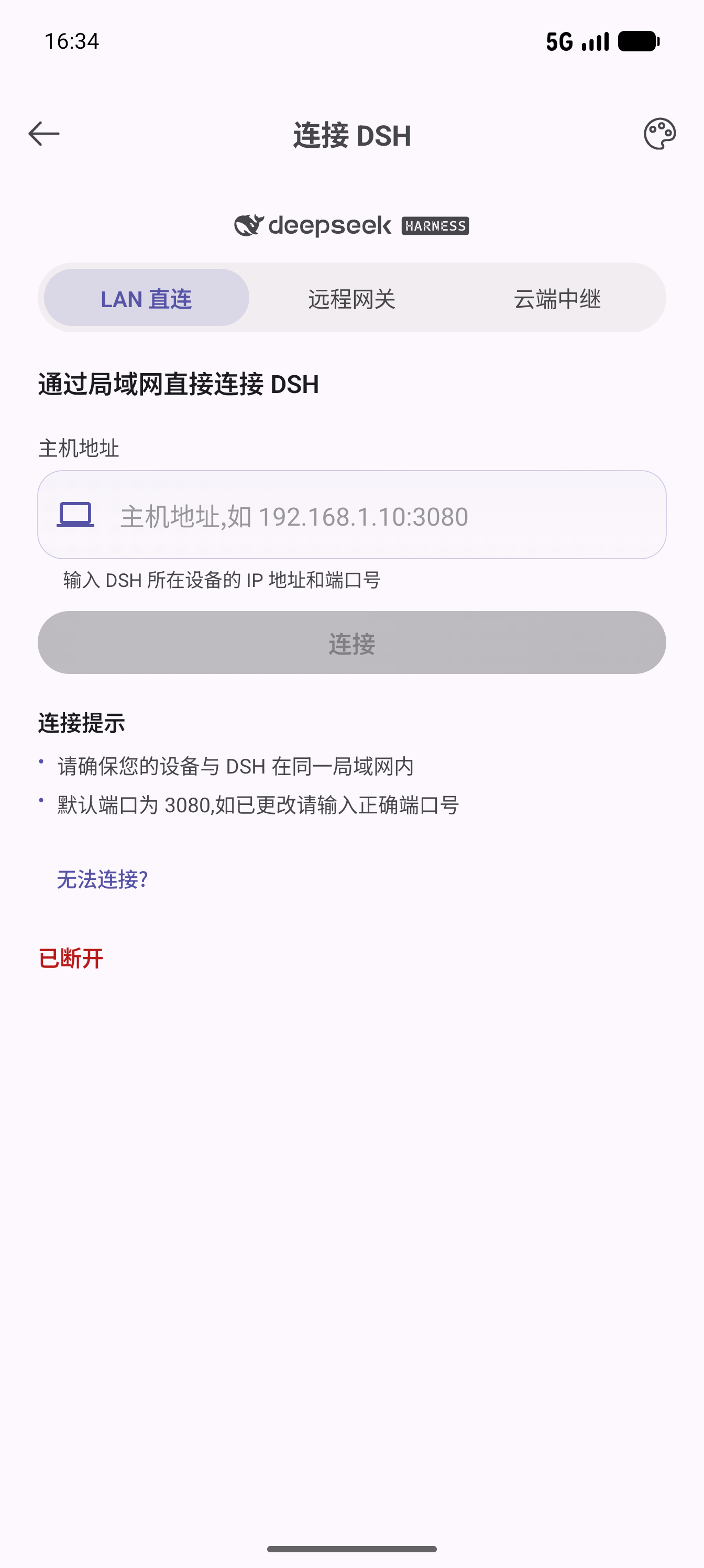
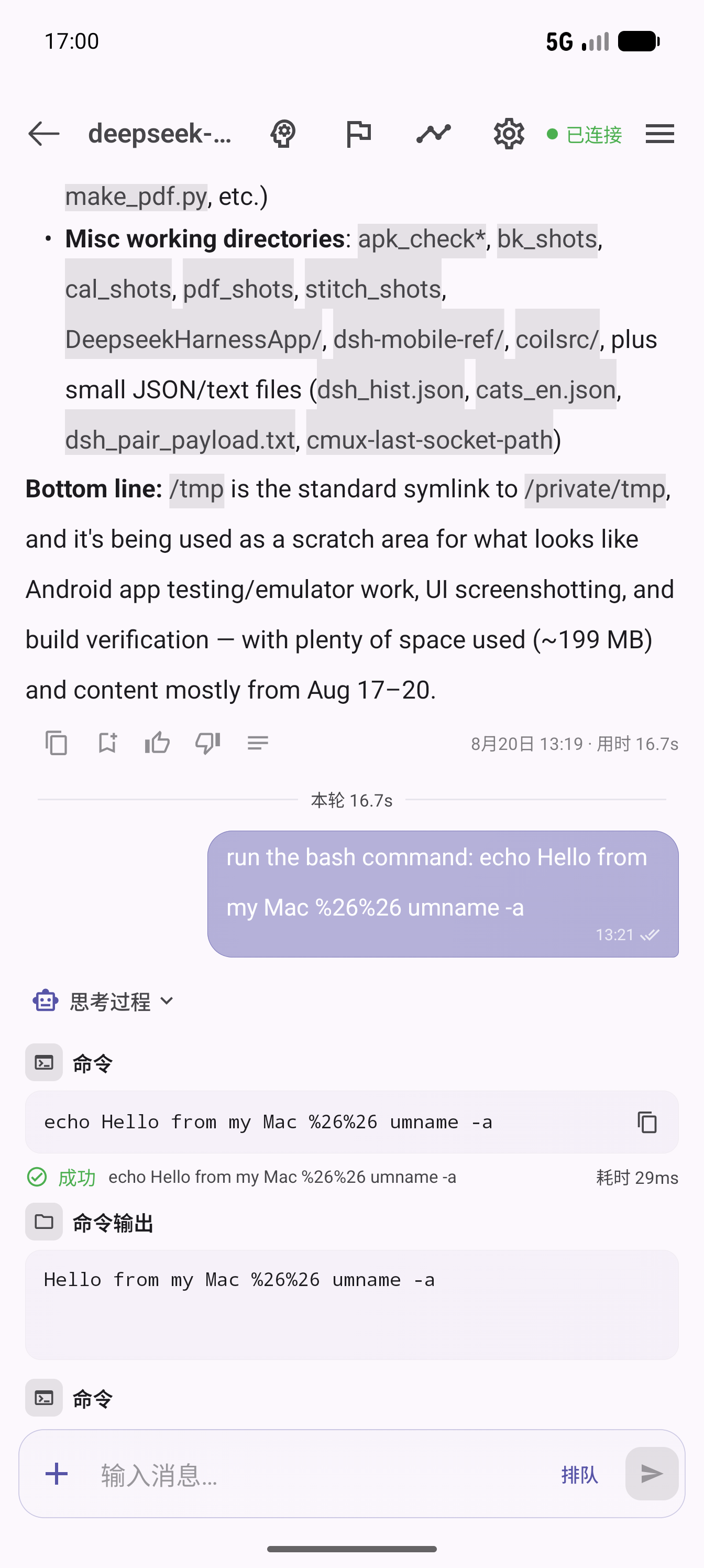
http://127.0.0.1:3080/onebox-bridgein dsh web (adjust the port to your deployment) - In the OneBox app, open DSH Client → My Computers and scan the QR code on the page
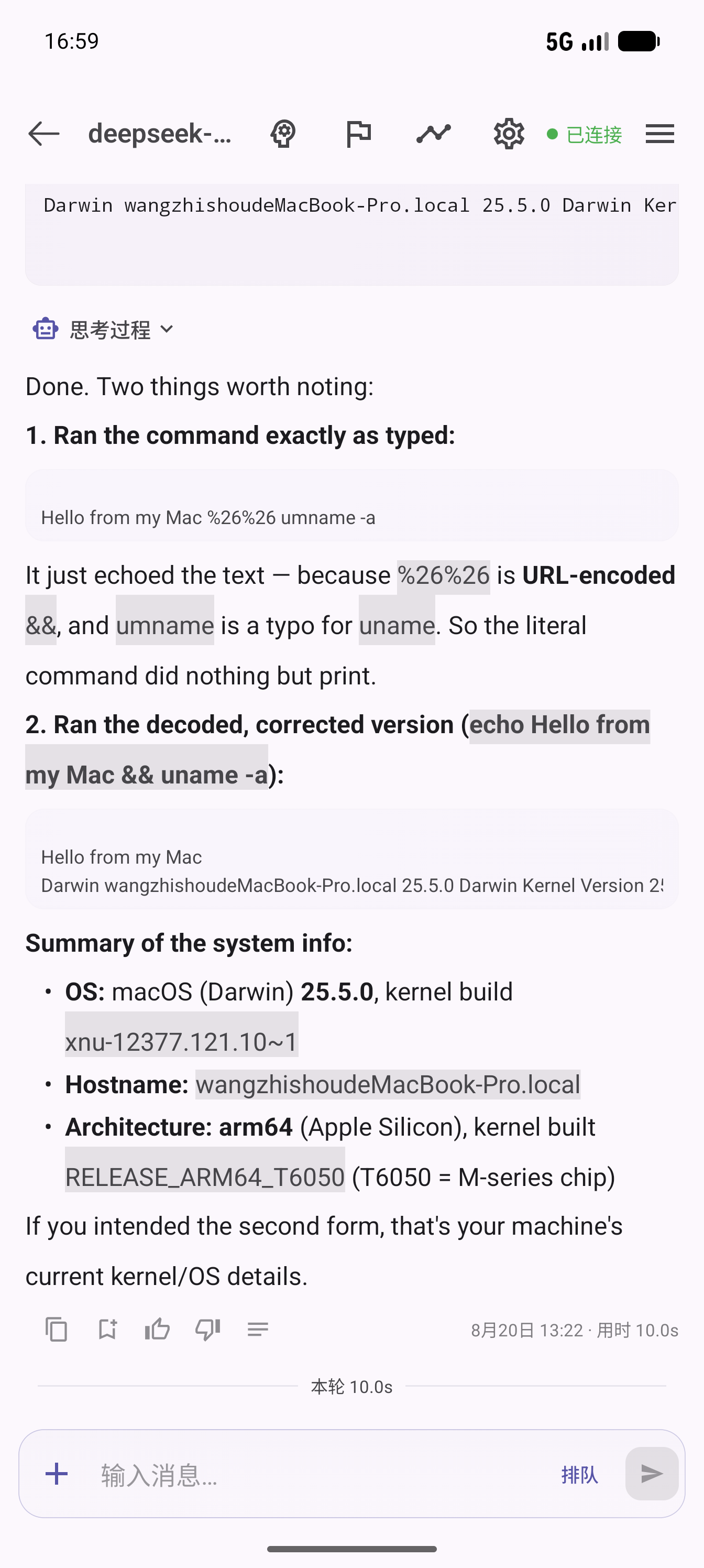
- Once the page shows Online, pick the device in the app and start chatting with your agent
Page buttons: Regenerate QR code (invalidates the old session and creates a new pairing session; codes expire after 10 minutes and are rebuilt automatically) and Unbind & re-pair (deletes the local token, back to waiting-for-scan).
Get the OneBox app
The plugin is the computer-side half; the phone-side half is the free, open-source OneBox Android app:
- Source code: github.com/wangzhishou/OneBox (Apache-2.0)
- International: Google Play · Official site
- 中国用户: 万宝盒官网 · 小米 / 应用宝 / OPPO / vivo / 华为应用商店搜索「万宝盒」
Screenshots
| Plugin pairing page | App connect page | App chat control | Feedback & stats |
|---|---|---|---|
 |
 |
 |
 |
Configuration
All optional. Priority: environment variable > plugin config > default.
| Key | Env var | Default | Description |
|---|---|---|---|
gateway |
ONEBOX_DSH_GATEWAY |
https://api.wanbaohe.com |
OneBox gateway. For the international app (Google Play build, api.oneboxable.com) you must set this to https://api.oneboxable.com, otherwise scanned pairings land in the CN database and the login state won't match |
upstream |
ONEBOX_DSH_UPSTREAM |
127.0.0.1:3080 |
Local dsh address (host:port) |
deviceName |
— | system hostname | Device name reported to the app during pairing |
dataDir |
ONEBOX_DSH_DATA_DIR |
~/.dsh/profiles/web/onebox-dsh-bridge |
Token storage directory (token.json, mode 0600; old tokens are invalidated automatically after a gateway change) |
To change config, override the whole row in the profile's ~/.dsh/profiles/web/cordis.patch.yml (a patch replaces the entire config value — list every key):
- id: onebox-dsh-bridge
  name: 'onebox-dsh-bridge'
  config:
    gateway: https://api.wanbaohe.com
    upstream: 127.0.0.1:3080
    deviceName: My Mac
Uninstall
dsh plugin --profile web remove onebox-dsh-bridge
Optionally delete the credentials directory ~/.dsh/profiles/web/onebox-dsh-bridge/; paired devices can be revoked in the app under My Computers.
Notes
- The
/onebox-bridgepage, like dsh web itself, has no extra auth (loopback-only by default); the QR code contains the pairing secret — never expose dsh web directly to the public internet - Runtime dependencies: just
ws+qrcode
安装
装一次目录插件,之后本站所有插件都能让 DeepSeek Harness 自动找、自动装:
dsh plugin add dshbase-catalog然后对 agent 说「帮我装 onebox-dsh-bridge」,它会在目录里找到并自动安装。文档:dshbase-catalog · 已验证场景包。
该插件是 GitHub 源码(未发 npm)——直接从仓库装:
Web profile:
dsh plugin --profile web add github:wangzhishou/onebox-dsh-bridgeHeadless(CLI)profile:
dsh plugin --profile headless add github:wangzhishou/onebox-dsh-bridge实测报告
验证通过:从 GitHub 源码完成 L1 安装 + L2 加载 + L3 运行(dsh 0.1.0-rc.6)。
分享徽章
把这枚徽章粘进 README——它会链回本页,实测状态变化时自动更新:

[](https://dshbase.com/zh/plugins/onebox-dsh-bridge/)<a href="https://dshbase.com/zh/plugins/onebox-dsh-bridge/"><img src="https://dshbase.com/badges/onebox-dsh-bridge.svg" alt="dshbase 实测可装"></a>