
Plugin directory / Developer / dsh-focus-overlay
dsh-focus-overlay
Verified · install-tested on dsh boogoo619
What it does
专注模式 / Focus mode for DeepSeek Harness (DSH):全屏阅读视图,折叠 AI 工具调用为摘要。
Works — verified, early-stage project
专注模式 / Focus mode for DeepSeek Harness (DSH):全屏阅读视图,折叠 AI 工具调用为摘要。 It installs cleanly and boots without issues in our testing. It's early-stage but functional.
“Verified” means our automated CI actually ran dsh plugin add in a clean profile and it booted — nothing more. Feature descriptions and version compatibility are the author’s claims. This is not a security audit and not an endorsement of third-party code.
README
dsh-focus-overlay
中文 | English
为 DeepSeek Harness(DSH)Web GUI 提供的专注模式:一键全屏阅读,隐藏标题区与输入区,把 AI 的工具调用流程折叠成一句话摘要,只保留「你与 AI 的对话」本身。
文本与图片渲染复用官方原语,与聊天视图 1:1 一致。


功能
- 全屏显示 —— 覆盖整个界面,把纵向空间全部留给对话
- 隐藏标题栏和输入栏 —— 顶部只留一条极窄栏,底部输入区收起
- 折叠工具调用 —— 一轮 AI 回复折叠成一句话摘要
- 快速导航 —— 右侧节点导航条,悬停预览、点击跳转
- 自动专注与提醒 —— 回复完成后可自动进入专注并定位到你的提问;专注中收到新回复、或被 AI 提问等待时弹出提醒
- 快捷键 F —— 任意界面按
F一键进入专注模式,可在设置中关闭;在输入框内打字不会误触发
这些功能专为小屏幕提供更多内容呈现空间:收起常驻的标题/输入区与工具步骤,让有限的屏幕尽可能多地展示对话。
效果
关闭 —— 普通聊天视图
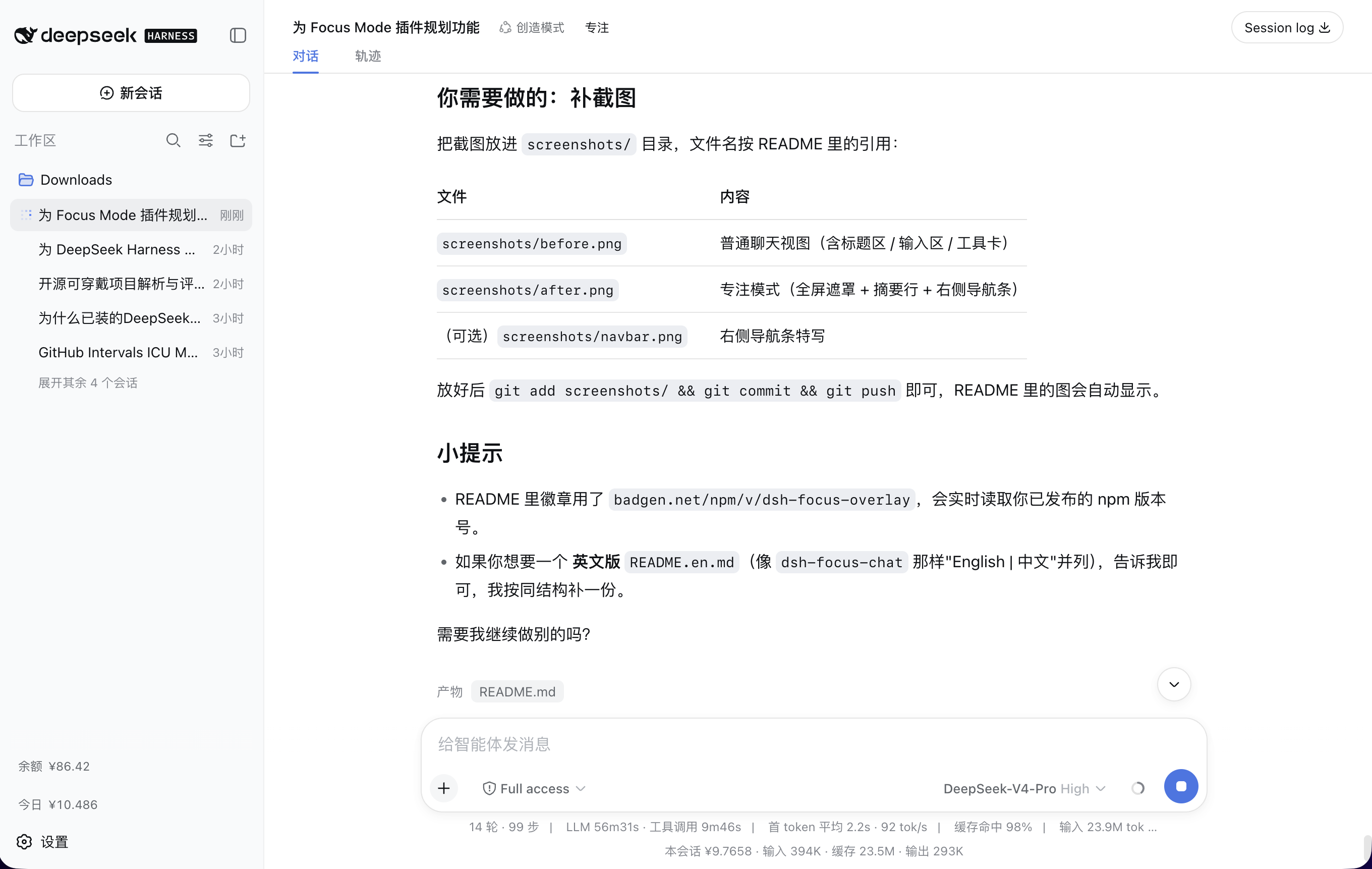
开启 —— 专注模式

进入专注后,一轮 AI 回复不再逐个展示步骤,而是折叠成一行摘要:
运行了 2 个命令,编辑了 3 个文件,读取了 5 个文件,搜索了 1 个正则
能力
| 功能 | 说明 |
|---|---|
| 全屏专注遮罩 | 经 shell.overlay 注册(纯增量、replaceRisk: none),覆盖标题区/输入区/侧栏,纵向空间尽给对话 |
| 官方渲染 | AI 文本走官方 MarkdownText(GFM + 代码高亮 + TeX),用户消息走 MessageText,用户气泡用官方蓝底无描边样式 |
| 图片解析 | assistant 的 image 块经 conversation.resolveImage 解析,会话授权图片 1:1 显示 |
| 工具调用折叠 | 工具调用 / 命令 / 上下文注入按类型计数折叠成摘要行(命令/编辑/搜索/读取/列目录/子代理/待办/目标/工作流/技能/提问/计划/后台任务) |
| 精确保留位置 | 进入专注时定位到聊天视图中正在阅读的消息(按 seq 对齐),而非从头开始 |
| 右侧节点导航条 | 每个 user 消息一个圆点,激活药丸跟随滚动、悬停预览、点击平滑跳转,少于 2 条自动隐藏 |
| 回到最新 | 离开底部时显示居中的「↓ 回到最新」悬浮按钮 |
| 文件提及 | 接 chatFileMentions,内联代码命中真实文件时变成可点链接 |
| i18n | 中 / 英文案,跟随界面语言 |
| 插件配置卡片 | 在「设置 → 插件 → 插件配置」中的可折叠卡片,含导航条开关、打开定位策略、文字区宽度,持久化到 localStorage |
| 自动进入专注 | 回复正常完成后自动打开专注并定位到本轮你的提问;异常结束(停止 / 报错 / 超 token / 打断)不触发 |
| F 键快捷键 | 任意界面按 F 立即进入专注(默认开,可在设置中关闭);输入框内打字不触发,长按自动忽略 |
| 回复 / 等待提醒 | 专注中回复完成弹「新回复已生成 + 查看」;AI 提问 / 审批等待时弹「AI 正在等待你的回复 + 去回复」,回答完自动消失 |
| 兼容 DSH-better-sidebar | 进入专注时自动隐藏其右上角的收放面板按钮与已开启的右侧/底部面板,并释放被挤压的布局;退出专注后按原状态还原 |
安装
需要 dsh CLI(>= 0.1.0-rc.5)。
从 npm(推荐)
dsh plugin --profile web add dsh-focus-overlay
dsh web
如果
add装到的不是最新版本:这是 pnpm 的minimumReleaseAge(最小发布年龄)安全机制在起作用——默认 24 小时内不会把刚发布的版本当作latest解析,而是回退到上一个稳定版。想立即装最新版,显式指定版本号即可:dsh plugin --profile web add dsh-focus-overlay@<版本号>或者等满 24 小时,再执行不带版本号的
add命令。
从 GitHub
dsh plugin --profile web add github:boogoo619/dsh-focus-overlay
dsh web
git 安装拉取源码并由
prepare脚本现场构建。pnpm ≥10 会先拒绝运行prepare,首次add失败后,按dsh提示把包键复制进该 profile 的pnpm-workspace.yaml:allowBuilds: dsh-focus-overlay: true然后重新执行
add。该授权允许本包代码在安装时于你的机器上执行——请只对可信来源授权,并锁定 commit(github:boogoo619/dsh-focus-overlay#<sha>)。
安装后重启 dsh web 生效。
首次安装:重启后欢迎页会弹出一次「专注模式」引导,说明功能并让你就地完成配置;其中所有设置随时可在「设置 → 插件 → 插件配置」中更改。
使用
- 打开任意会话,点击标题栏操作区的 「专注」 按钮(或直接按
F键,可在设置中关闭该快捷键)。 - 进入全屏专注视图:顶部只有一条极窄栏(会话标题 + 退出),正文只显示你与 AI 的对话,工具步骤折叠为摘要行。
- 右侧导航圆点可悬停预览、点击跳转;离开底部时右下出现居中的「↓ 回到最新」。
- 按
Esc或点「退出专注」返回原界面,原位置/状态保持不变。
兼容提示:若同时安装了 DSH-better-sidebar,进入专注模式会自动隐藏其右上角的两个收放面板按钮以及已开启的右侧/底部面板(并释放被挤压的布局);退出专注后按原状态恢复,不会改动该插件的面板布局。
设置
侧栏「设置 → 插件 → 插件配置」中,展开「专注模式」卡片:
| 选项 | 说明 |
|---|---|
| AI完成回复后,自动进入专注模式 | AI 正常完成回复后自动进入并定位到你的提问;已打开时弹「新回复已生成」(默认关) |
| 按 F 键进入专注模式 | 任意界面按 F 立即进入专注模式;输入框内打字不触发(默认开) |
| 进入专注模式时,同步当前阅读位置 | 进入时定位到你正在阅读的消息;关闭则定位到你最近一次提问(默认开) |
| 显示右侧轮次导航条 | 在右侧显示导航圆点,每个用户消息(一轮)对应一个,悬停预览、点击跳转(默认开) |
| 文字区宽度 | 480–1200px 滑块,调整正文阅读列宽(默认 760px) |
许可
Install
Install the catalog once, then DeepSeek Harness can find and install any plugin from this site automatically:
dsh plugin add dshbase-catalogThen say "install dsh-focus-overlay for me" — your agent finds it in the directory and installs it. Docs: dshbase-catalog · verified packs.
This plugin is GitHub source (not published to npm) — install it straight from the repo:
Web profile:
dsh plugin --profile web add github:boogoo619/dsh-focus-overlayHeadless (CLI) profile:
dsh plugin --profile headless add github:boogoo619/dsh-focus-overlayTest report
Verified: L1 install + L2 load + L3 runtime from GitHub source on dsh 0.1.0-rc.6.
Share this badge
Drop this badge into your README — it links back here and updates automatically when our test status changes:

[](https://dshbase.com/plugins/dsh-focus-overlay/)<a href="https://dshbase.com/plugins/dsh-focus-overlay/"><img src="https://dshbase.com/badges/dsh-focus-overlay.svg" alt="dshbase install-tested"></a>