
Plugin directory / UI & Skins / dsh-plugin-genshin-startup
dsh-plugin-genshin-startup
Verified · install-tested on dsh allen546
What it does
DeepSeek Harness (dsh) plugin: Plays the Genshin Impact launch video centered with white fill on startup before entering the Harness web UI
Works — verified, early-stage project
DeepSeek Harness (dsh) plugin: Plays the Genshin Impact launch video centered with white fill on startup before entering the Harness web UI It installs cleanly and boots without issues in our testing. It's early-stage but functional.
“Verified” means our automated CI actually ran dsh plugin add in a clean profile and it booted — nothing more. Feature descriptions and version compatibility are the author’s claims. This is not a security audit and not an endorsement of third-party code.
README
dsh-plugin-genshin-startup 🚀✨
An official-architecture startup plugin for DeepSeek Harness (dsh).
When opening the dsh web interface, it directly autoplays the Genshin Impact Launch ("原神,启动!") opening video, perfectly centered without stretching, and fills all surrounding letterbox/pillarbox space with pure white (#ffffff), before seamlessly dissolving into the main DeepSeek Harness workspace.
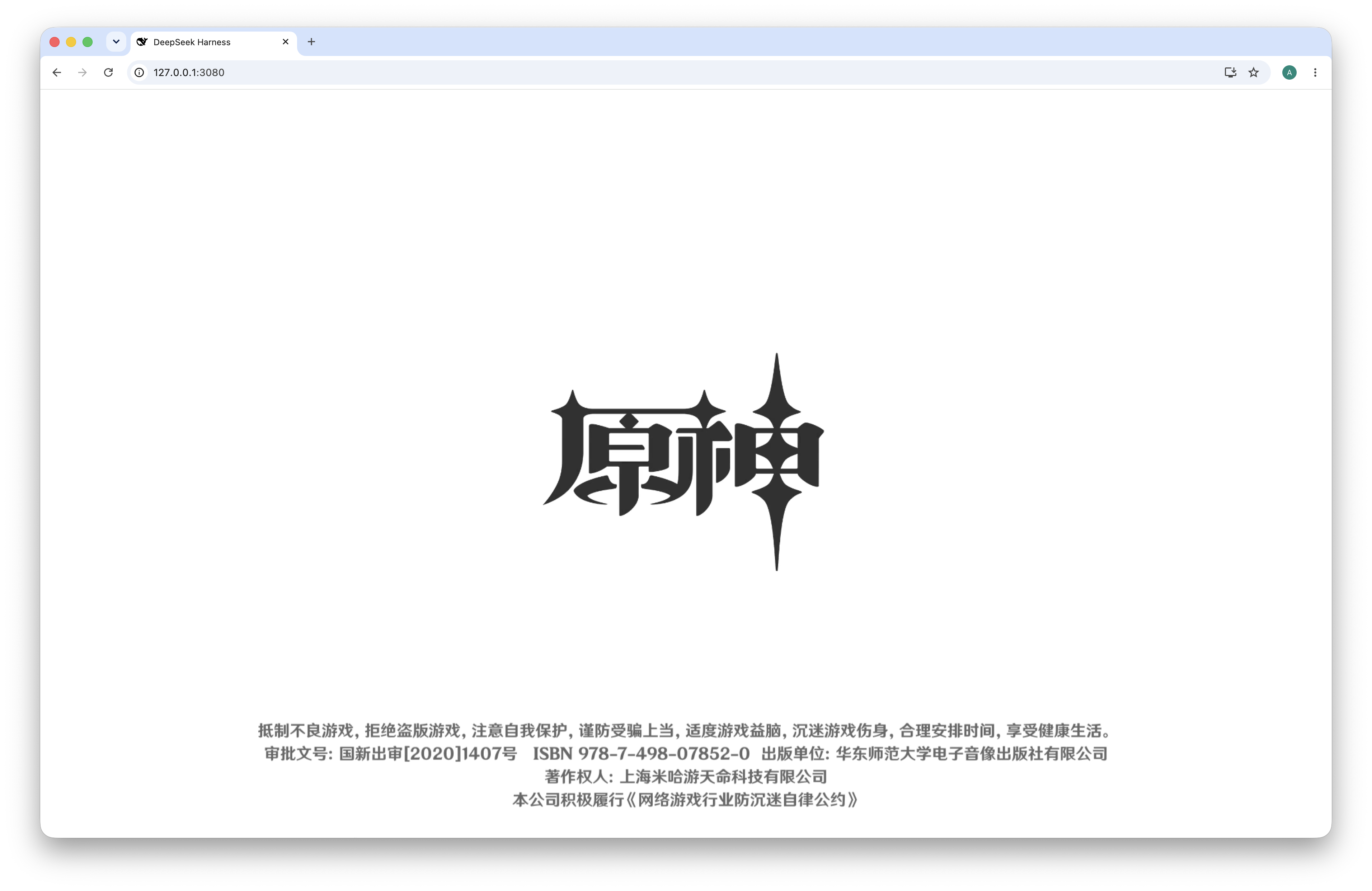
✨ Features
- 🎬 Direct Autoplay: Plays immediately upon opening the web interface without requiring extra clicks.
- ⚪ Pure White Fill: Clean white background (
#ffffff) fills the entire surrounding viewport around the video. - 📐 Centered & Non-Stretching: Preserves native aspect ratio with
object-fit: containwithout distortion or forced fullscreen requests. - 🚫 Zero Dialogs / Clean View: No popup prompts, skip banners, or intrusive overlays.
- ✨ Seamless Transition: Automatically fades out over 800ms into the DeepSeek Harness interface upon completion (or on keypress/click).
- 🧩 Native DSH Plugin: Built with DSH
dsh.bundlepatch layer and lazy CJSdsh.clientarchitecture.
🛠️ Installation
Install and enable the plugin in your DeepSeek Harness web profile via the official CLI:
dsh plugin --profile web add allen546/dsh-plugin-genshin-startup
🚀 Usage
Launch the DeepSeek Harness Web UI:
npx @deepseek-ai/dsh web
Or if you have dsh installed globally:
dsh web
Open http://127.0.0.1:3080 in your browser. The opening video will play smoothly before transitioning into your agent workspace!
⚠️ Disclaimer
This project is an independent open-source plugin and is not affiliated with, endorsed by, sponsored by, or associated with miHoYo Co., Ltd. or HoYoverse.
All trademarks, logos, audio-visual materials, and intellectual property relating to Genshin Impact and miHoYo / HoYoverse belong to their respective copyright holders.
📦 Project Structure
.
├── cordis.patch.yml          # DSH profile bundle patch layer
├── lib/
│   ├── index.js              # Host-side plugin entry
│   └── client.js             # DSH lazy CJS browser client module
├── assets/
│   ├── preview.png           # UI Preview screenshot
│   ├── genshin-launch.mp4    # Fast-start optimized video asset
│   ├── genshin-launch.js     # Standalone injector runtime
│   └── genshin-launch.css    # Full-viewport overlay & white-fill styling
├── demo.html                 # Standalone preview page
├── package.json
└── README.md
📜 License
MIT License © 2026 Allen Sun
Install
Install the catalog once, then DeepSeek Harness can find and install any plugin from this site automatically:
dsh plugin add dshbase-catalogThen say "install dsh-plugin-genshin-startup for me" — your agent finds it in the directory and installs it. Docs: dshbase-catalog · verified packs.
This plugin is GitHub source (not published to npm) — install it straight from the repo:
Web profile:
dsh plugin --profile web add github:allen546/dsh-plugin-genshin-startupHeadless (CLI) profile:
dsh plugin --profile headless add github:allen546/dsh-plugin-genshin-startupTest report
Verified: L1 install + L2 load + L3 runtime from GitHub source on dsh 0.1.0-rc.6.
Share this badge
Drop this badge into your README — it links back here and updates automatically when our test status changes:

[](https://dshbase.com/plugins/dsh-plugin-genshin-startup/)<a href="https://dshbase.com/plugins/dsh-plugin-genshin-startup/"><img src="https://dshbase.com/badges/dsh-plugin-genshin-startup.svg" alt="dshbase install-tested"></a>