
Plugin directory / Developer / dsh-sidebar-buttons
dsh-sidebar-buttons
Verified · install-tested on dsh lywusichen
What it does
管理 DeepSeek Harness 左下侧栏按钮的插件:拖拽排序、显隐控制,隐藏按钮收进"更多"菜单,可统一按钮高度。
Works — verified, early-stage project
管理 DeepSeek Harness 左下侧栏按钮的插件:拖拽排序、显隐控制,隐藏按钮收进"更多"菜单,可统一按钮高度。 It installs cleanly and boots without issues in our testing. It's early-stage but functional.
“Verified” means our automated CI actually ran dsh plugin add in a clean profile and it booted — nothing more. Feature descriptions and version compatibility are the author’s claims. This is not a security audit and not an endorsement of third-party code.
README
dsh-sidebar-buttons
English · 简体中文
A DeepSeek Harness plugin. Manages the buttons at the bottom of the left sidebar: reorder them, control each one with three display modes, and give them all the same height. Client-side only, nothing in the DSH core is touched, uninstalling restores the original sidebar.
Features
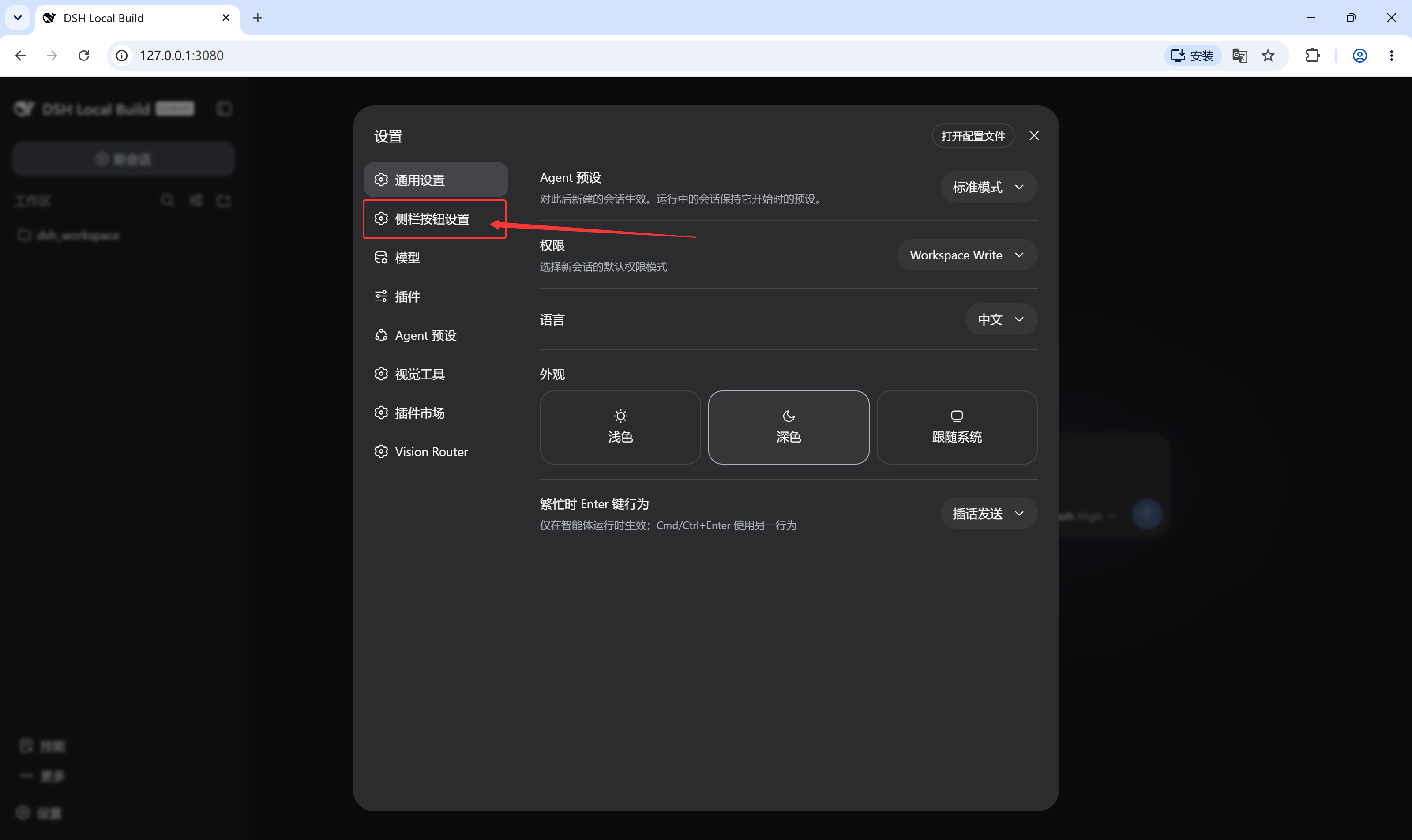
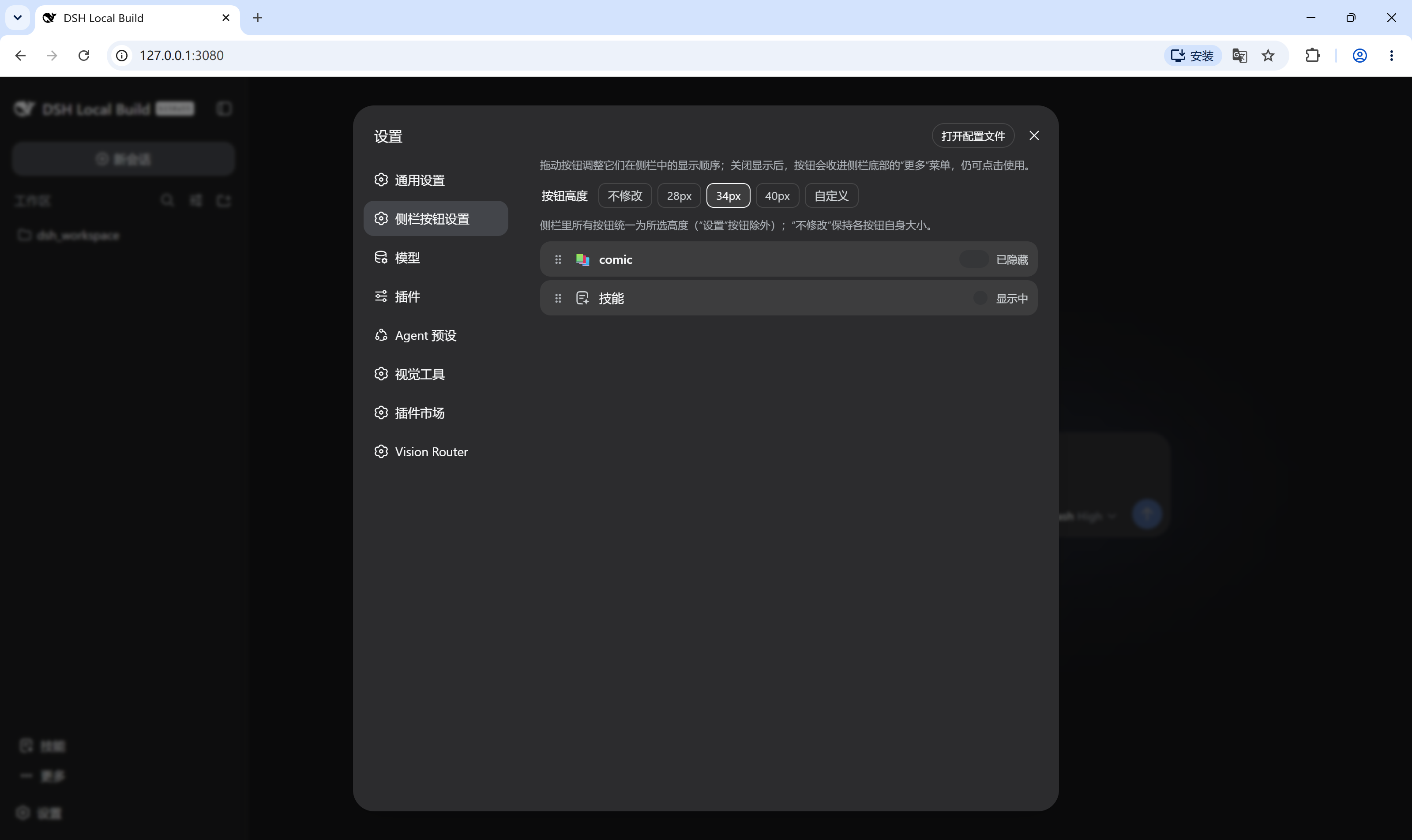
- New "Sidebar Buttons" page in Settings lists every button registered in the sidebar foot; drag rows to change the order, the sidebar updates immediately
- Each button has three display modes:
- Show: pinned in the sidebar
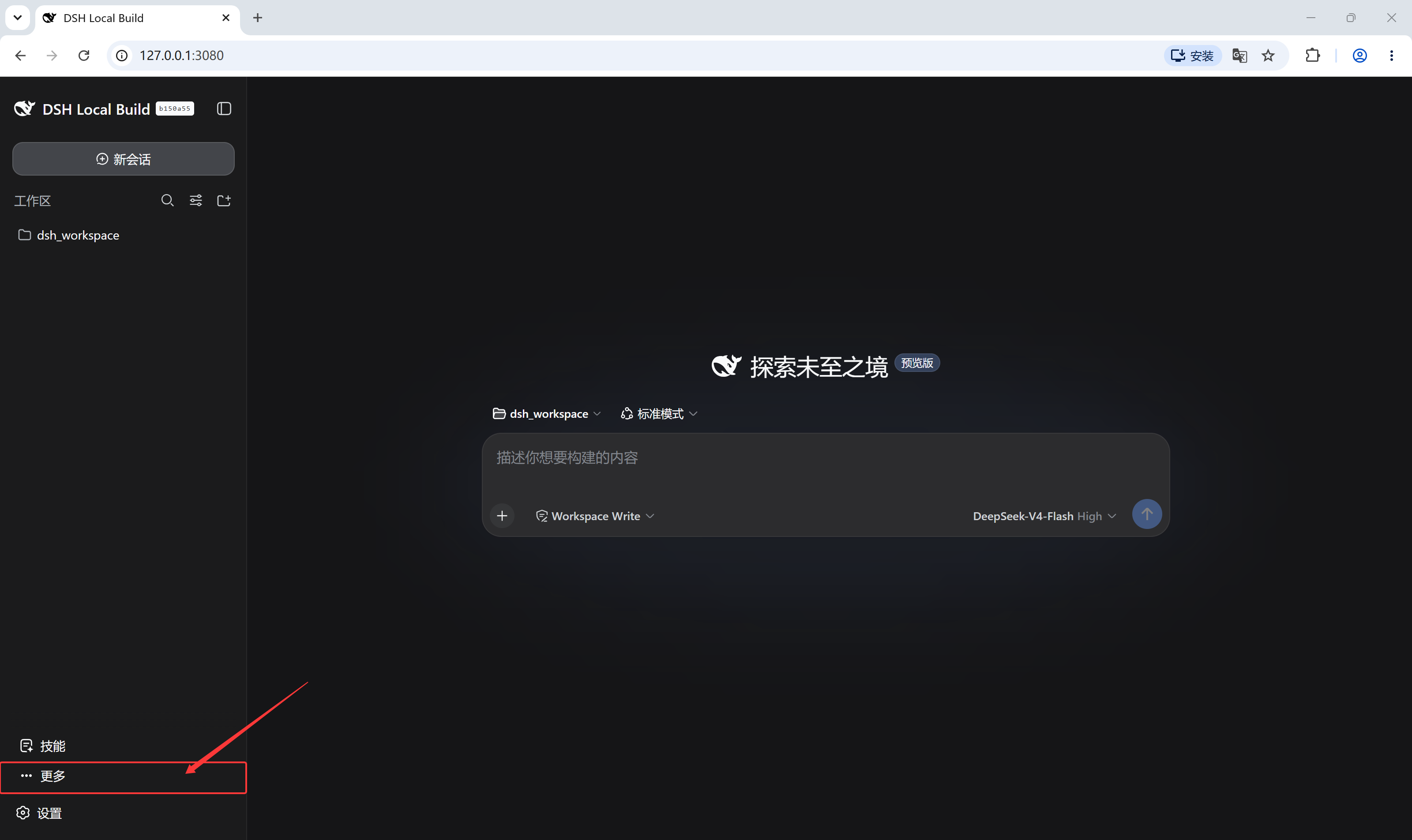
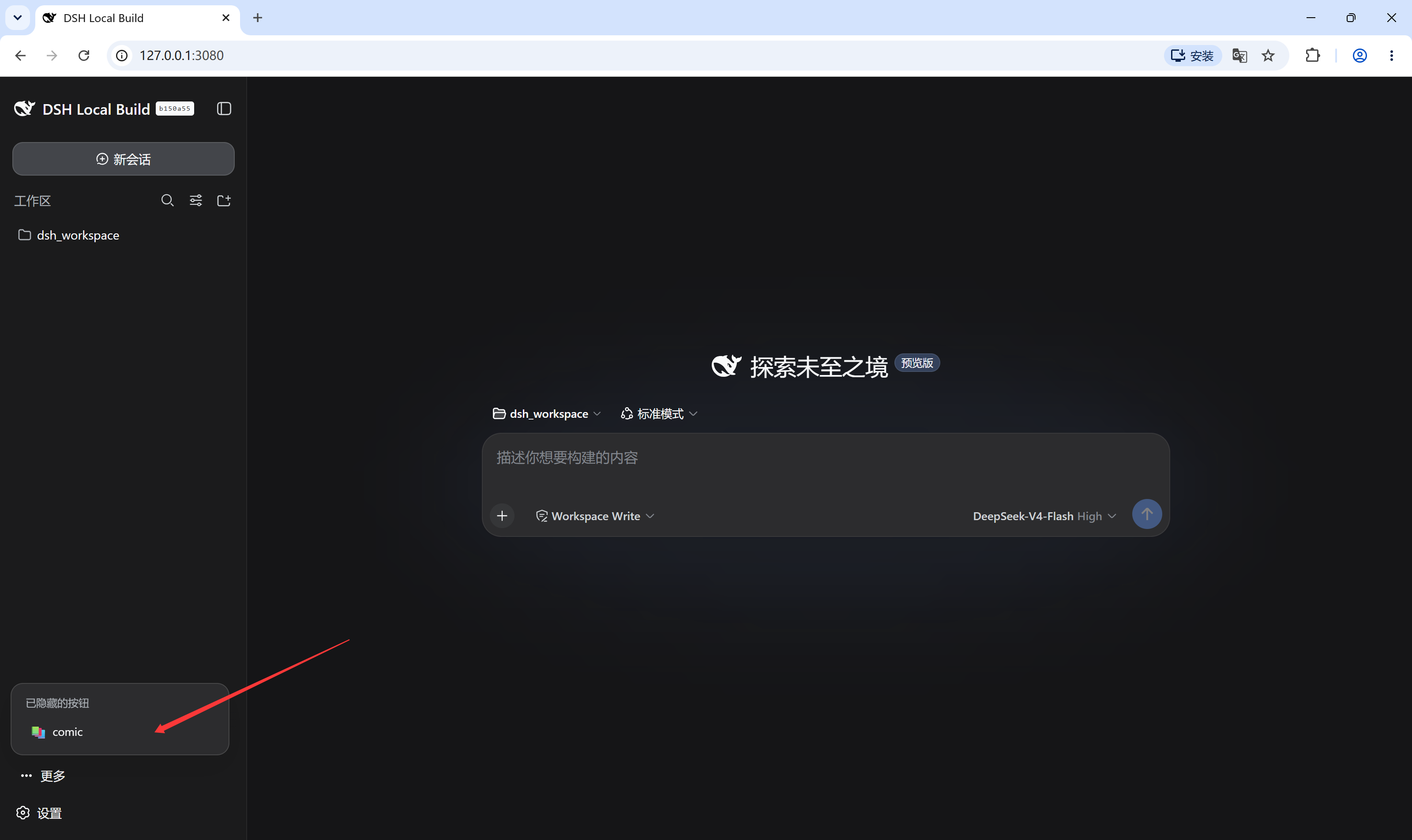
- Fold into More: moved into a "More" button above Settings (only shown while at least one button is folded), where it stays usable
- Hide: absent from the sidebar and the More menu alike — recoverable only from the settings page
- Buttons from different plugins come in different sizes; pick one height for all of them, keep each button's original size, or enter a custom value
Screenshots
Install
dsh plugin --profile web add github:lywusichen/dsh-sidebar-buttons
Restart DSH, then open Settings → Sidebar Buttons.
Build
npm install   # esbuild
npm run build # generates lib/client.js
License
MIT
Install
Install the catalog once, then DeepSeek Harness can find and install any plugin from this site automatically:
dsh plugin add dshbase-catalogThen say "install dsh-sidebar-buttons for me" — your agent finds it in the directory and installs it. Docs: dshbase-catalog · verified packs.
This plugin is GitHub source (not published to npm) — install it straight from the repo:
Web profile:
dsh plugin --profile web add github:lywusichen/dsh-sidebar-buttonsHeadless (CLI) profile:
dsh plugin --profile headless add github:lywusichen/dsh-sidebar-buttonsTest report
Verified: L1 install + L2 load + L3 runtime from GitHub source on dsh 0.1.0-rc.6.
Share this badge
Drop this badge into your README — it links back here and updates automatically when our test status changes:

[](https://dshbase.com/plugins/dsh-sidebar-buttons/)<a href="https://dshbase.com/plugins/dsh-sidebar-buttons/"><img src="https://dshbase.com/badges/dsh-sidebar-buttons.svg" alt="dshbase install-tested"></a>