
Plugin directory / UI & Skins / dsh-theme-neko
dsh-theme-neko
Verified · install-tested on dsh drfccv
What it does
A Nachoneko (Amagi Cat) themed skin for DeepSeek Harness web GUI.
Works — verified, early-stage project
A Nachoneko (Amagi Cat) themed skin for DeepSeek Harness web GUI. It installs cleanly and boots without issues in our testing. It's early-stage but functional.
“Verified” means our automated CI actually ran dsh plugin add in a clean profile and it booted — nothing more. Feature descriptions and version compatibility are the author’s claims. This is not a security audit and not an endorsement of third-party code.
README
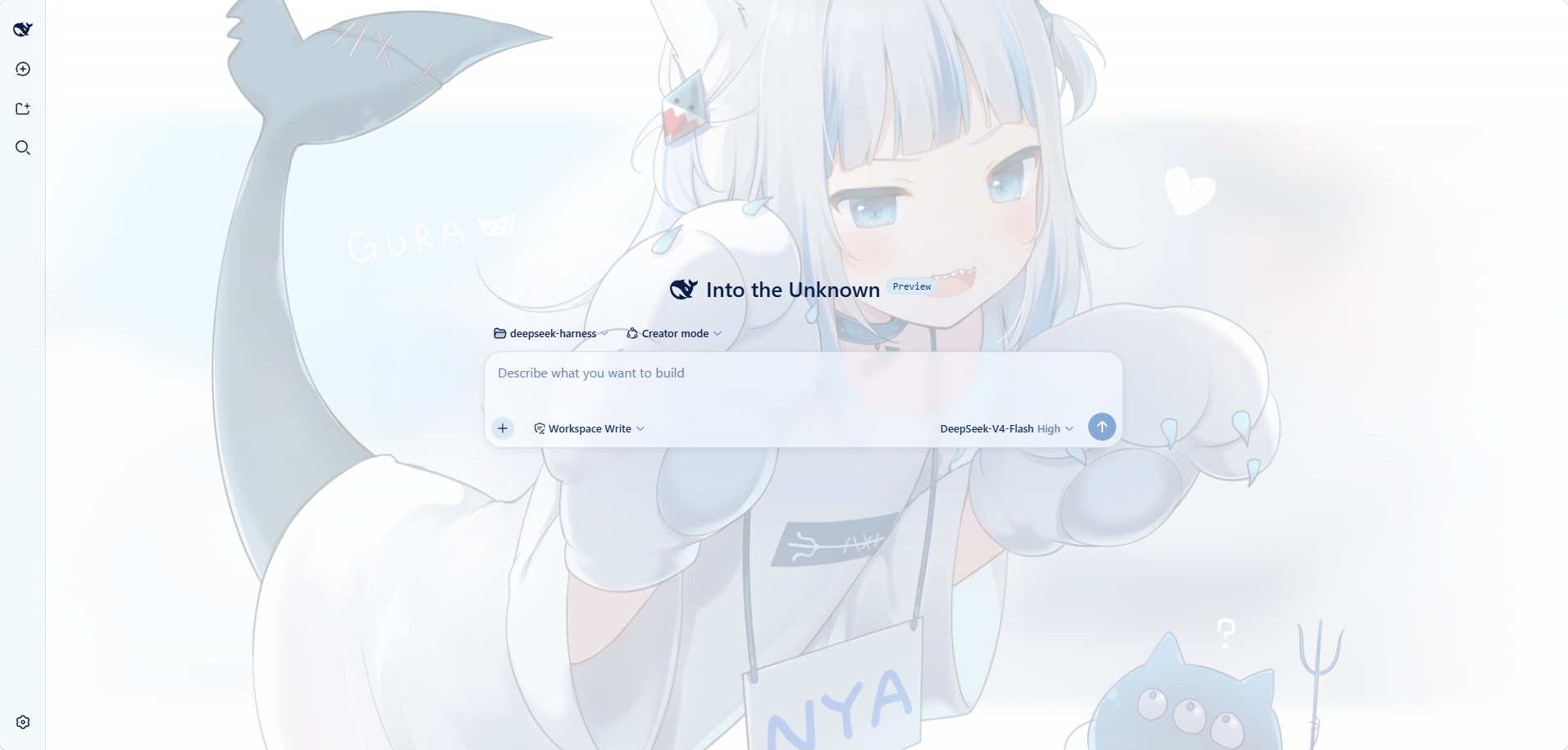
The interface uses the Nachoneko artwork by Amashiro Natsuki as the wallpaper
background and applies a matching blue-and-white color palette.
Screenshot
Features
- Nachoneko wallpaper background, with light and dark variants
- Interface surfaces styled to match the artwork's palette, including the
composer, popup menus, and the settings dialog - Readability adjustments for tooltips, focus indicators, and buttons
Requirements
- DeepSeek Harness with a
webprofile
Installation
Install the plugin into your profile:
dsh plugin --profile web add dsh-theme-neko
Restart the web GUI so the plugin is loaded:
dsh web
The theme is applied automatically after the restart.
Usage
- The plugin appears under Settings > Plugins as
dsh-theme-neko. - To replace the wallpaper, overwrite
assets/wallpaper.png, then rebuild and
reinstall the package. - To uninstall:
dsh plugin --profile web remove dsh-theme-neko
Development
pnpm install
pnpm build
npm publish
License
The software is licensed under the MIT License. See LICENSE.
The bundled wallpaper is not part of the software license. See
THIRD-PARTY-NOTICE.md for the artwork attribution.
Background Artwork
- Artist: Amashiro Natsuki (Nachoneko)
- Source: https://amashiro.com/wp-content/uploads/2021/12/10.png
- Official Gallery: https://amashiro.com/gallery/
- Copyright: © Amashiro Natsuki
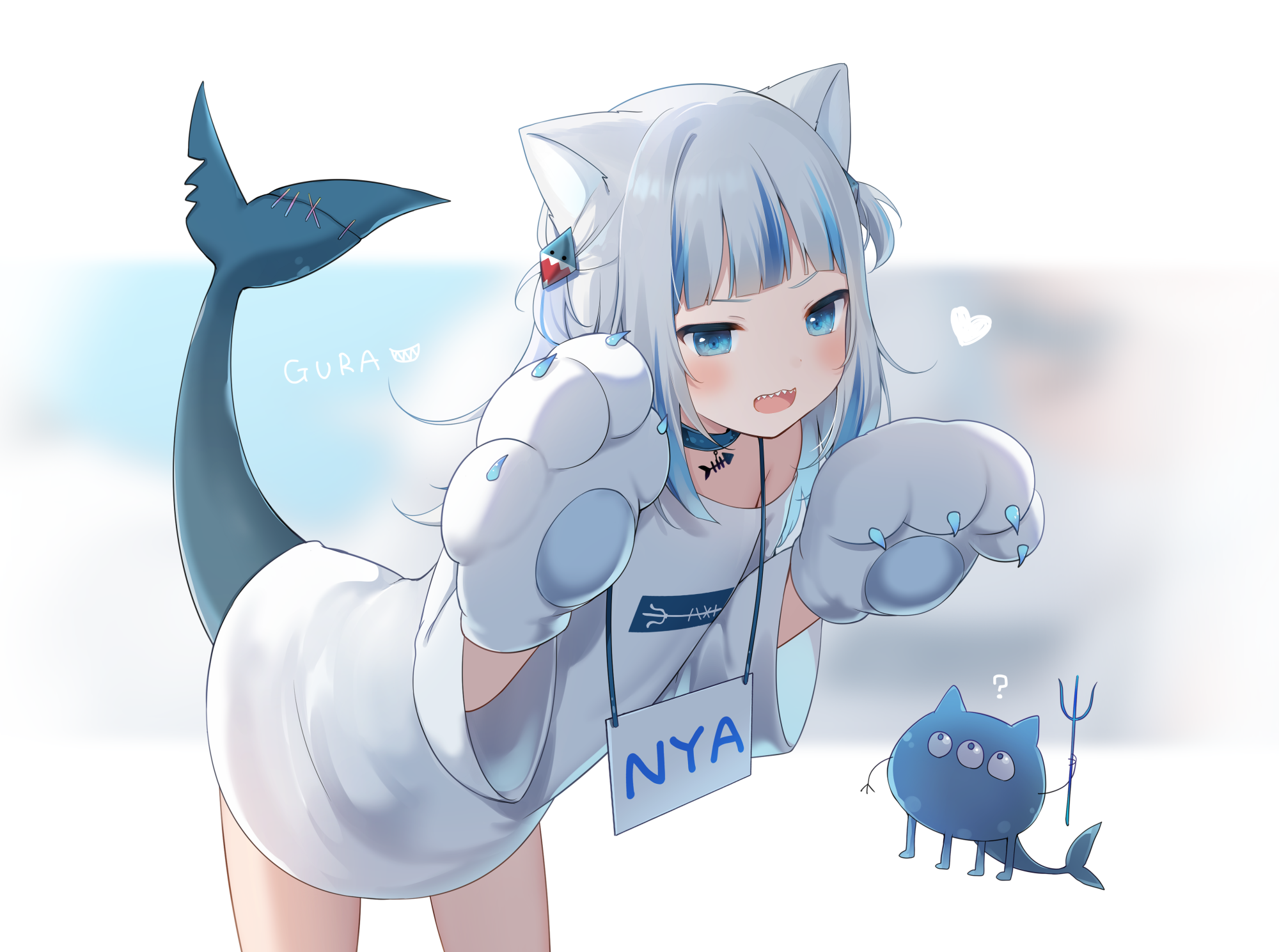
This artwork is not part of the project's software license.
All rights remain with the original copyright holder.
Install
Install the catalog once, then DeepSeek Harness can find and install any plugin from this site automatically:
dsh plugin add dshbase-catalogThen say "install dsh-theme-neko for me" — your agent finds it in the directory and installs it. Docs: dshbase-catalog · verified packs.
Web profile:
dsh plugin --profile web add dsh-theme-nekoHeadless (CLI) profile:
dsh plugin --profile headless add dsh-theme-nekoPackage
npm: dsh-theme-neko · version — · tested on dsh 0.1.0-rc.6
Test report
Verified end-to-end: L1 install + L2 load + L3 runtime Q&A on dsh 0.1.0-rc.6.
When to use it
Change how dsh looks or how you interact with it — a theme, a skin, or a new panel that reshapes the workspace.
Who it's for
Users who spend hours in the web UI and want it to look and feel the way they work.
For developers — extending it
Skins, panels, and theme tokens are the extension points — author a new skin, add a panel, or sync tokens with an upstream palette.
Share this badge
Drop this badge into your README — it links back here and updates automatically when our test status changes:

[](https://dshbase.com/plugins/dsh-theme-neko/)<a href="https://dshbase.com/plugins/dsh-theme-neko/"><img src="https://dshbase.com/badges/dsh-theme-neko.svg" alt="dshbase install-tested"></a>