
Plugin directory / Developer / dsh-tool-autoexpand
dsh-tool-autoexpand
Verified · install-tested on dsh better-er
What it does
dsh·工具结果自动展开插件
Works — verified, early-stage project
dsh·工具结果自动展开插件 It installs cleanly and boots without issues in our testing. It's early-stage but functional.
“Verified” means our automated CI actually ran dsh plugin add in a clean profile and it booted — nothing more. Feature descriptions and version compatibility are the author’s claims. This is not a security audit and not an endorsement of third-party code.
README
dsh·工具结果自动展开插件
自动展开 DSH 浏览器界面里随后新到达的工具调用卡片,并在侧栏底部提供四态逻辑 + 三态 UI 的开关:在「展开 / 不干预 / 折叠」三态间循环切换,默认展开。
纯浏览器端 client 插件,不替换任何原生工具卡片渲染器。
| 状态 | 示意图 |
|---|---|
| 展开 |  |
| 不干预 |  |
| 折叠 |  |
引言
DeepSeek Harness 的工具调用,默认和 CloseAI 一样是收着的——结果全都藏在折叠里不给你看。可这哪符合开源精神?Open!所有的工具调用结果,就该统统打开。
于是祥云做了这个插件,专门帮你把 DeepSeek Harness 自动开源掉——新到达的工具调用结果全部自动展开。不想看了?把开关切到「折叠」,已经摊开的卡片立刻全部收回去,清爽如初;想回到默认,再点一下回到「不干预」就好。
当然,为了避免无意义的刷屏,这个「打开」是短打开模式:只执行一级展开,而不会把那些修改行统统二级展开。既能看到结论,又不糊一脸改动细节。
这样,你就能爽爽监工 DeepSeek Harness——它每一步在背后做了什么,都摊开在你眼皮子底下,清清楚楚。
却没想到,这狡猾的蓝色大肥鱼,就在你眼皮子底下偷偷啃着你的 Token——拿着你的钱上网玩儿去了。

功能
- 侧栏底部开关卡,采用四态逻辑 + 三态 UI:逻辑上在「0 不干预 → 1 展开 → 2 不干预 → 3 折叠」四档间循环,界面上只呈现「不干预 / 展开 / 折叠」三种外观,其中两个「不干预」档显示为同一种样子,点击一次切换一档。
- 展开:自动展开新渲染的工具调用卡片,并立刻展开页面上已存在的工具卡片。
- 不干预:停止自动处理,新到达的卡片保持默认收着,不主动动已有卡片。
- 折叠:立刻折叠页面上所有已展开的工具卡片,并让新到达的卡片保持收着。
- 只展开或折叠卡片顶层折叠行,不会误开内部 ReadBlock / TerminalBlock / DiffBlock / SearchBlock 的行数折叠。
- 开关档位持久化到 localStorage,刷新后保持;兼容旧版「开/关」的存储数据,旧「开」→ 展开,旧「关」→ 不干预。
- 开关卡随 DSH 明/暗主题自适应,切换即生效,无需重启。
效果
新到达的工具调用卡片自动展开后的实际效果:

演示视频
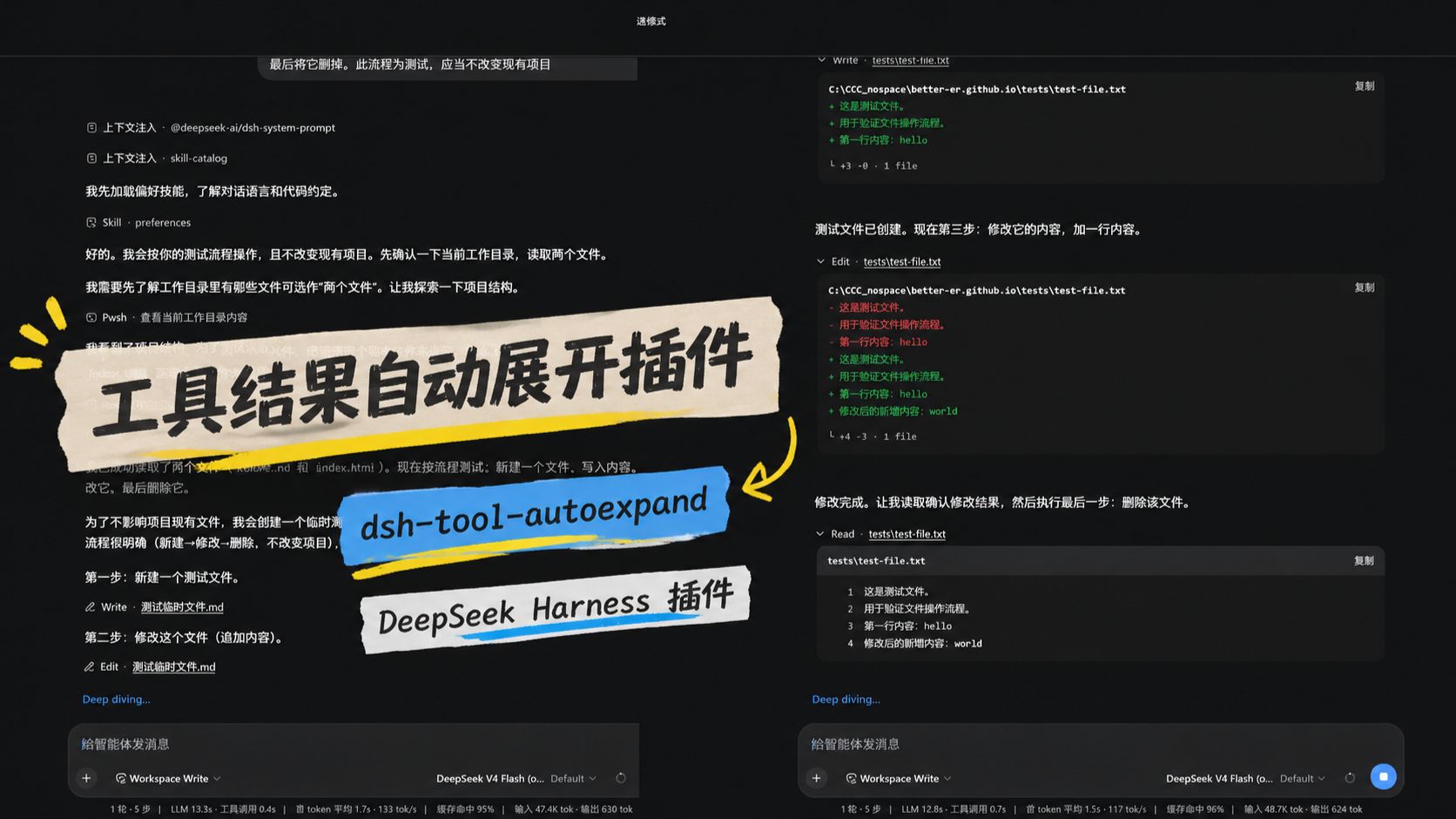
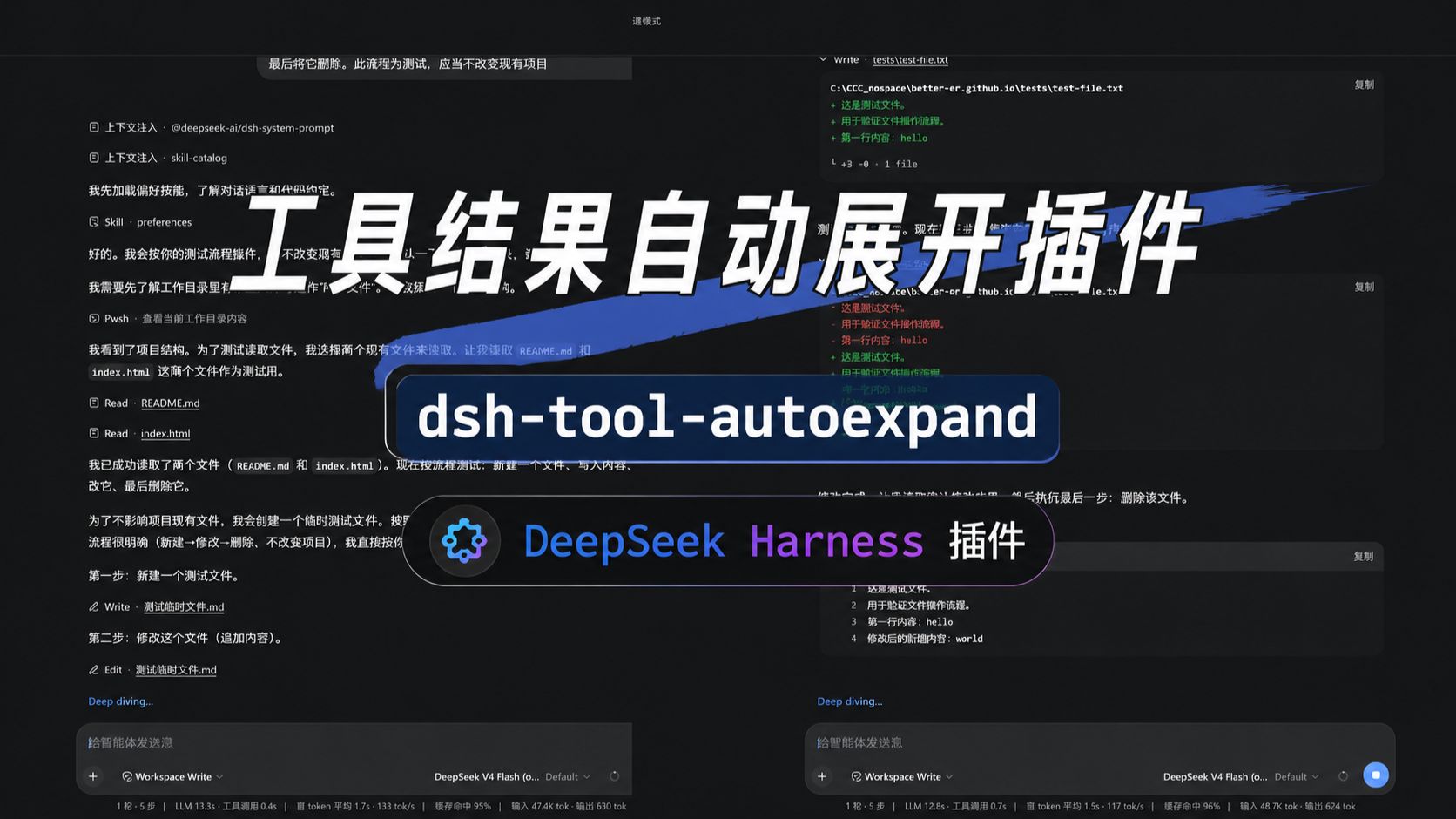
光看静态截图不过瘾?两位同好分别给这个插件拍了演示视频,还在标题上互相点名对方,欢迎点开对比观看:
| 祥云版 · 34 秒 | dpsk 版 · 23 秒 |
|---|---|
 |
 |
安装
dsh plugin --profile web add github:better-er/dsh-tool-autoexpand
或安装 npm 发布的版本:dsh plugin --profile web add dsh-tool-autoexpand。
一条命令装完即生效,自动挂载,重启 DSH web 后启用,无需手工编辑任何组合文件。
卸载
dsh plugin --profile web remove dsh-tool-autoexpand
彻底移除,重启 DSH web 后不再加载。
要求与开发
- 是标准形态的 dsh client 插件,声明
dsh.client,导出./client。 - 同时声明了
dsh.bundle,因此也是一个自挂载的 bundle 层插件:用dsh plugin --profile <name> add从 GitHub 安装后,会被自动识别为 profile layer 并挂载,无需手工写组合 entry。 - 纯浏览器半身,无 host 行为。
- 无构建:
lib/client.js是按 DSH client bundle 产出的注册式模块,源码即产物。
License
Install
Install the catalog once, then DeepSeek Harness can find and install any plugin from this site automatically:
dsh plugin add dshbase-catalogThen say "install dsh-tool-autoexpand for me" — your agent finds it in the directory and installs it. Docs: dshbase-catalog · verified packs.
This plugin is GitHub source (not published to npm) — install it straight from the repo:
Web profile:
dsh plugin --profile web add github:better-er/dsh-tool-autoexpandHeadless (CLI) profile:
dsh plugin --profile headless add github:better-er/dsh-tool-autoexpandTest report
Verified: L1 install + L2 load + L3 runtime from GitHub source on dsh 0.1.0-rc.6.
Share this badge
Drop this badge into your README — it links back here and updates automatically when our test status changes:

[](https://dshbase.com/plugins/dsh-tool-autoexpand/)<a href="https://dshbase.com/plugins/dsh-tool-autoexpand/"><img src="https://dshbase.com/badges/dsh-tool-autoexpand.svg" alt="dshbase install-tested"></a>