
Plugin directory / Developer / dsh-vision-router-inline
dsh-vision-router-inline
Verified · install-tested on dsh MitsukiJoe
What it does
Display companion for dsh-vision-router: square picture button on each original model row
Works — verified, early-stage project
Display companion for dsh-vision-router: square picture button on each original model row It installs cleanly and boots without issues in our testing. It's early-stage but functional.
“Verified” means our automated CI actually ran dsh plugin add in a clean profile and it booted — nothing more. Feature descriptions and version compatibility are the author’s claims. This is not a security audit and not an endorsement of third-party code.
README

dsh-vision-router-inline
Fold Auto Vision twins into clear picture buttons on their original model rows.
🇺🇸 English | 🇨🇳 简体中文




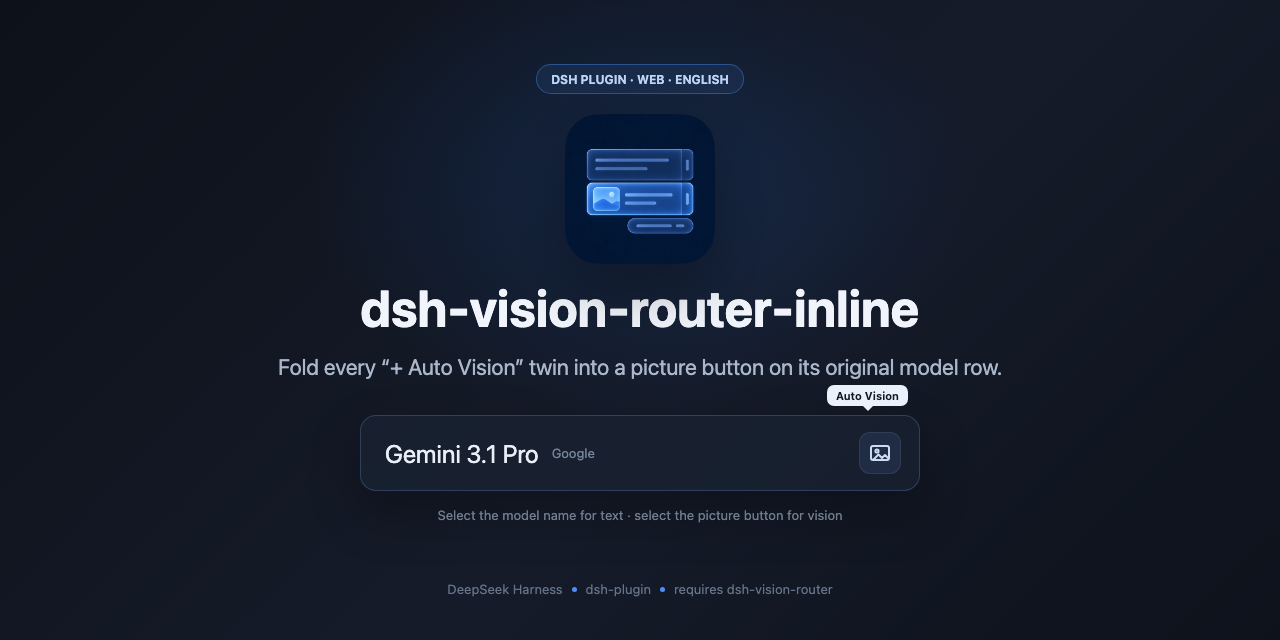
Display companion for dsh-vision-router.
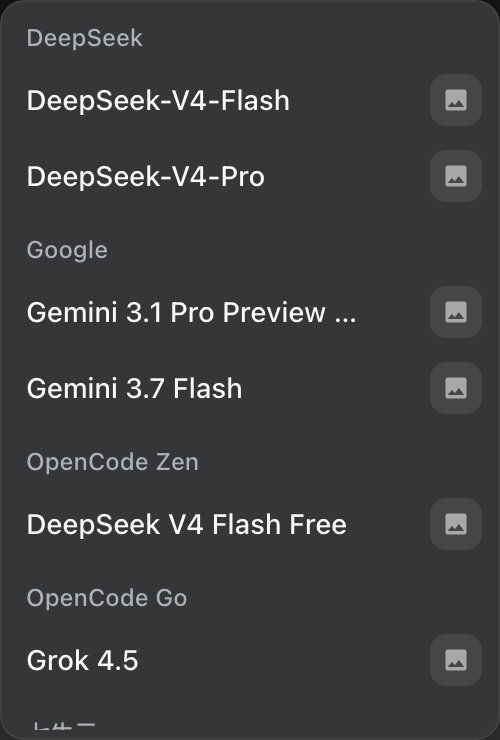
dsh-vision-router adds a second provider group (DeepSeek + 自动识图, etc.). This plugin does not change that routing. It only changes display: fold each twin into a square picture button on the original model’s row. Click the name for the text model; click the button for that provider’s vision twin route (e.g. google-vision for Google). The button hover is separate from the row hover. The same button appears on the composer trigger and the Model row only while the vision route is selected.
Example, one row:
- Gemini 3.1 Pro □ (vision)
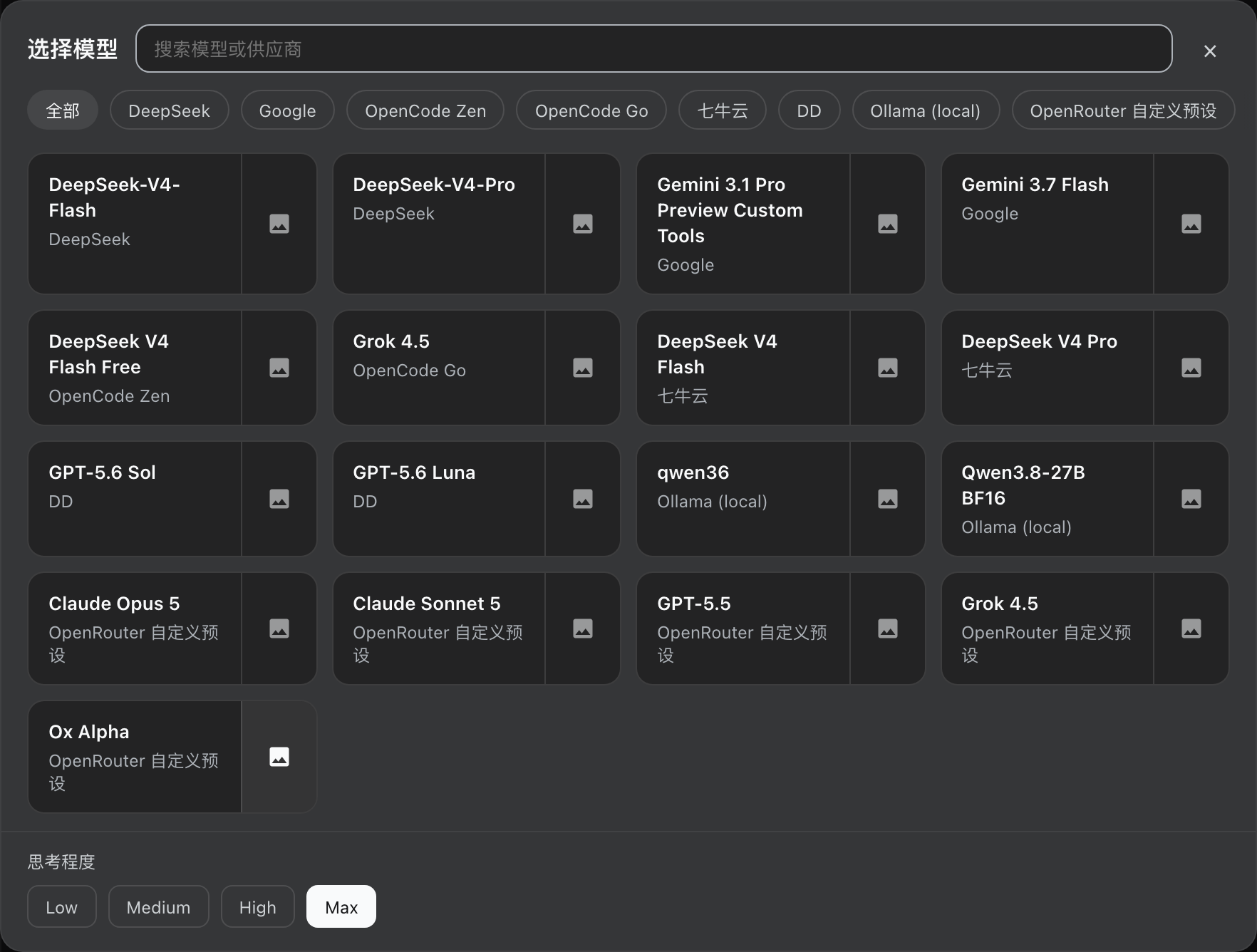
If dsh-better-ux is also installed, its large picker shows the same picture button on each card.
This plugin does nothing unless dsh-vision-router is already loaded. Install that first. If the router is missing, this package stays idle and does not wrap the model catalog.
Requires
- dsh-vision-router ≥ 1.0
- DeepSeek Harness web profile
Load order: dsh-vision-router first, then dsh-vision-router-inline.
Install
npm
dsh plugin --profile web add dsh-vision-router@latest
dsh plugin --profile web add dsh-vision-router-inline@latest
GitHub
dsh plugin --profile web add github:ysr666/dsh-vision-router
dsh plugin --profile web add github:MitsukiJoe/dsh-vision-router-inline
Ask DSH
Send this message to DSH:
Install this plugin https://github.com/MitsukiJoe/dsh-vision-router-inline
Restart DSH after installation.
Update
dsh plugin --profile web update dsh-vision-router dsh-vision-router-inline
Or send this message to DSH:
Update this plugin https://github.com/MitsukiJoe/dsh-vision-router-inline
Uninstall
Remove dsh-vision-router-inline from the web profile package.json and node_modules, restart DSH. dsh-vision-router itself is unchanged.
Install
Install the catalog once, then DeepSeek Harness can find and install any plugin from this site automatically:
dsh plugin add dshbase-catalogThen say "install dsh-vision-router-inline for me" — your agent finds it in the directory and installs it. Docs: dshbase-catalog · verified packs.
This plugin is GitHub source (not published to npm) — install it straight from the repo:
Web profile:
dsh plugin --profile web add github:MitsukiJoe/dsh-vision-router-inlineHeadless (CLI) profile:
dsh plugin --profile headless add github:MitsukiJoe/dsh-vision-router-inlineTest report
Verified: L1 install + L2 load + L3 runtime from GitHub source on dsh 0.1.0-rc.6.
Share this badge
Drop this badge into your README — it links back here and updates automatically when our test status changes:

[](https://dshbase.com/plugins/dsh-vision-router-inline/)<a href="https://dshbase.com/plugins/dsh-vision-router-inline/"><img src="https://dshbase.com/badges/dsh-vision-router-inline.svg" alt="dshbase install-tested"></a>