
Plugin directory / Desktop / oardsh
oardsh
Verified · install-tested on dsh GreatV
What it does
Bring DeepSeek Harness to your desktop.
Works — verified, early-stage project
Bring DeepSeek Harness to your desktop. It installs cleanly and boots without issues in our testing. It's early-stage but functional.
“Verified” means our automated CI actually ran dsh plugin add in a clean profile and it booted — nothing more. Feature descriptions and version compatibility are the author’s claims. This is not a security audit and not an endorsement of third-party code.
README

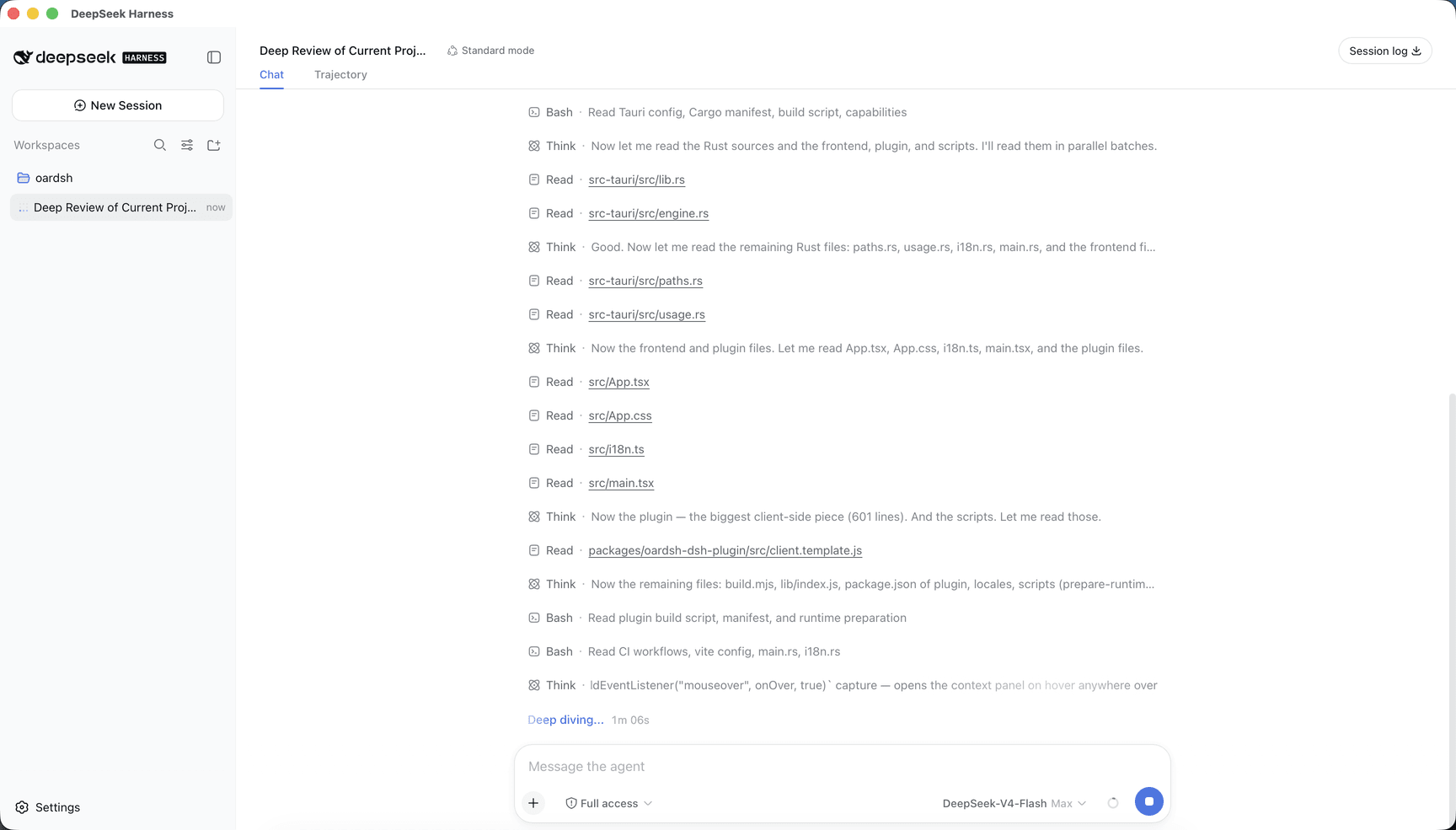
oardsh keeps the familiar dsh Web experience and adds what only a native app can. Everything it contributes lives inside dsh's own Settings page, follows its theme, layout and language, and wears the app's whale mark so oardsh's surfaces are always distinguishable from stock dsh.
- Tray residency — closing the window hides it to the tray; the session keeps running. The tray menu shows the window, restarts the server, or quits. A second launch focuses the existing instance.
- Context meter on hover — the composer's context ring opens its panel on hover rather than a click, and the panel gains each bucket's share of the used context plus the free remainder. dsh's session stats move in there by default, replacing the truncated line under the composer; Settings → General puts them back.
- Usage statistics — a dashboard built from local session transcripts: tokens, sessions, messages, active days and current streak over the last 7 or 30 days, a year-long activity heatmap, a daily token trend stacked by model, and each model's share.
- Network proxy — Settings → General can route network traffic through a proxy. Choose Off, System, or a manual address. Applying the change restarts the server.
Download
Grab the installer for your platform from GitHub Releases — macOS DMG (Apple Silicon or Intel), Windows x64 installer, or Linux x64 AppImage / Debian / RPM.
Development
npm install
npm run tauri dev     # run
npm run tauri build   # build installers for the current platform
Install
Install the catalog once, then DeepSeek Harness can find and install any plugin from this site automatically:
dsh plugin add dshbase-catalogThen say "install oardsh for me" — your agent finds it in the directory and installs it. Docs: dshbase-catalog · verified packs.
This plugin is GitHub source (not published to npm) — install it straight from the repo:
Web profile:
dsh plugin --profile web add github:GreatV/oardshHeadless (CLI) profile:
dsh plugin --profile headless add github:GreatV/oardshTest report
Verified: L1 install + L2 load + L3 runtime from GitHub source on dsh 0.1.0-rc.6.
When to use it
Run dsh as a native desktop app — its own window, tray icon, and shortcuts — instead of a browser tab.
Who it's for
Users who want an installed-app feel and system integration (tray, global hotkeys, auto-launch) on their OS.
For developers — extending it
The native shell is the seam — add global shortcuts, notifications, single-instance locking, or OS-specific behaviors.
Share this badge
Drop this badge into your README — it links back here and updates automatically when our test status changes:

[](https://dshbase.com/plugins/oardsh/)<a href="https://dshbase.com/plugins/oardsh/"><img src="https://dshbase.com/badges/oardsh.svg" alt="dshbase install-tested"></a>