
插件目录 / UI & Skins / deepseek-harness-themes
deepseek-harness-themes
已验证 · 实测可装 orxz
功能简介
DeepSeek Harness UI主题集合
可用 — 实测通过,早期项目
DeepSeek Harness UI主题集合 实测能干净安装、正常启动。早期项目,但功能可用。
「已验证」表示我们的自动化 CI 在干净 profile 里实际执行了 dsh plugin add 并启动成功——仅此而已。功能描述与版本兼容性均为作者声明。这不是安全审计,也不代表对第三方代码的背书。
README
deepseek-harness-themes


A collection of UI themes for deepseek-harness.
One harness. Multiple styles.
Community-maintained theme collection built on the official theme extension point (ctx.theme from @deepseek-ai/dsh-client-ui-theme). It focuses only on the visual experience — colors, surfaces, states, code blocks, tool calls, terminal UI. No model changes, no agent changes, no prompt changes, no protocol changes.
Packages
| Package | Role |
|---|---|
@dshthemes/core |
Eleven ThemeDefinitions, the REQUIRED_TOKENS contract, and registerThemes(registry); zero UI |
@dshthemes/ui |
Client plugin: registers all themes, adds a Theme picker row to Settings → General, persists third-party selection |
Themes
Every preview is generated from that theme's own tokens; the full gallery is docs/previews.md.
| Theme | Base | Preview |
|---|---|---|
| DeepSeek | light — clean DeepSeek-inspired blue | 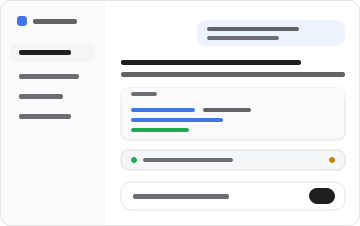 |
| OLED | dark — true black for emissive panels | 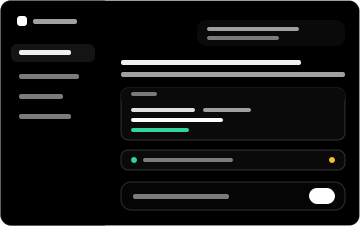 |
| Dracula | dark — high-contrast purple/indigo | 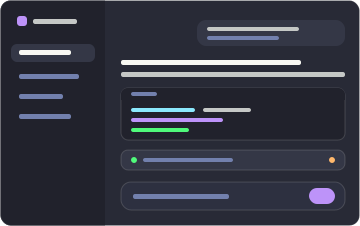 |
| Catppuccin | dark — soft pastel (Mocha) |  |
| Tokyo Night | dark — midnight blue with neon accents |  |
| GitHub Dark | dark — familiar GitHub interface | 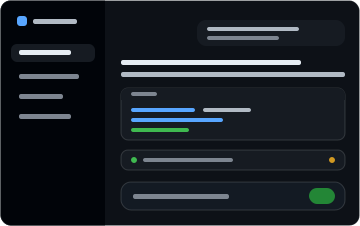 |
| Solarized | dark — scientific teal, yellow accent | 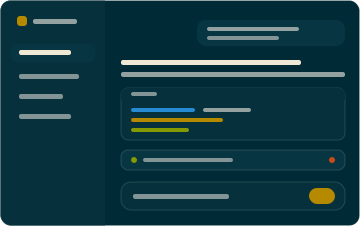 |
| Gruvbox | dark — retro warm palette, orange |  |
| Nord | dark — arctic north-blues, frost |  |
| Synthwave '84 | dark — neon pink/cyan on deep violet | 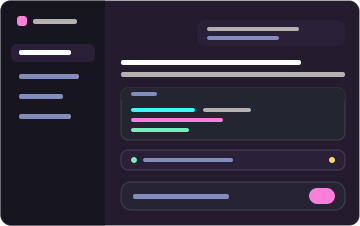 |
| Cobalt2 | dark — cobalt blue, signature yellow | 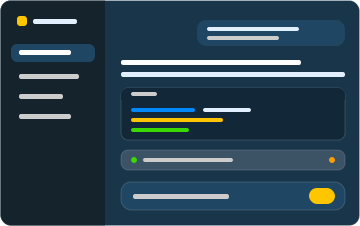 |
Install
Two commands: one installs the dependency, adds the layer to the profile, and mounts the feature; the other starts the Web surface.
dsh plugin --profile web add @dshthemes/ui
dsh web
web is the shipped Web profile and initializes on first use. Pick a theme under Settings → General; the selection persists, so nothing else runs from a terminal.
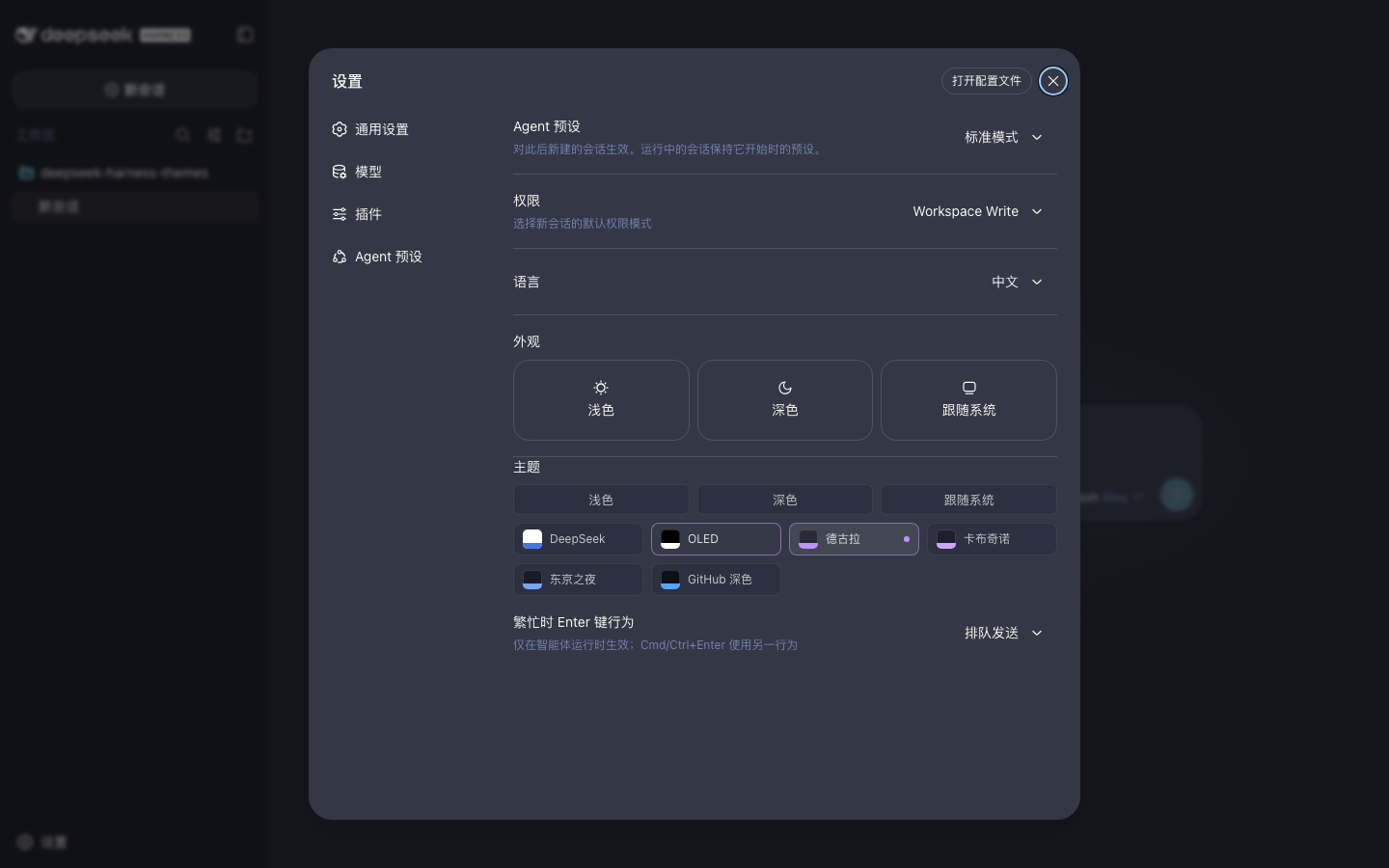
Remove it just as easily:
dsh plugin --profile web remove @dshthemes/ui
See docs/installation.md for the core-only shape, installing from a source checkout, the hand-written patch alternative, local development, and troubleshooting.
Theme philosophy
Themes change how deepseek-harness looks, not how it behaves. A theme is easy to install, easy to switch, easy to customize, consistent across UI states, comfortable during long coding sessions, and independent from agent logic. The token contract is docs/theme-spec.md.
Contributing
Community themes are welcome — docs/creating-a-theme.md is the ordered guide. Standing orders live in AGENTS.md.
Participation follows the Code of Conduct. Report vulnerabilities privately through the security policy.
License
MIT
安装
装一次目录插件,之后本站所有插件都能让 DeepSeek Harness 自动找、自动装:
dsh plugin add dshbase-catalog然后对 agent 说「帮我装 deepseek-harness-themes」,它会在目录里找到并自动安装。文档:dshbase-catalog · 已验证场景包。
该插件是 GitHub 源码(未发 npm)——直接从仓库装:
Web profile:
dsh plugin --profile web add github:orxz/deepseek-harness-themesHeadless(CLI)profile:
dsh plugin --profile headless add github:orxz/deepseek-harness-themes实测报告
验证通过:从 GitHub 源码完成 L1 安装 + L2 加载 + L3 运行(dsh 0.1.0-rc.6)。
使用场景
改变 dsh 的外观或交互方式——一套主题、皮肤或新面板,重塑工作区。
适合谁
在 web UI 里一待几小时、想让它按自己的习惯好看又好用的人。
二次开发建议
皮肤、面板和主题 token 是扩展点——写新皮肤、加面板,或与上游配色同步 token。
分享徽章
把这枚徽章粘进 README——它会链回本页,实测状态变化时自动更新:

[](https://dshbase.com/zh/plugins/deepseek-harness-themes/)<a href="https://dshbase.com/zh/plugins/deepseek-harness-themes/"><img src="https://dshbase.com/badges/deepseek-harness-themes.svg" alt="dshbase 实测可装"></a>