
Plugin directory / UI & Skins / deepseek-harness-themes
deepseek-harness-themes
Verified · install-tested on dsh orxz
What it does
A collection of UI themes for deepseek-harness.
Works — verified, early-stage project
A collection of UI themes for deepseek-harness. It installs cleanly and boots without issues in our testing. It's early-stage but functional.
“Verified” means our automated CI actually ran dsh plugin add in a clean profile and it booted — nothing more. Feature descriptions and version compatibility are the author’s claims. This is not a security audit and not an endorsement of third-party code.
README
deepseek-harness-themes


A collection of UI themes for deepseek-harness.
One harness. Multiple styles.
Community-maintained theme collection built on the official theme extension point (ctx.theme from @deepseek-ai/dsh-client-ui-theme). It focuses only on the visual experience — colors, surfaces, states, code blocks, tool calls, terminal UI. No model changes, no agent changes, no prompt changes, no protocol changes.
Packages
| Package | Role |
|---|---|
@dshthemes/core |
Eleven ThemeDefinitions, the REQUIRED_TOKENS contract, and registerThemes(registry); zero UI |
@dshthemes/ui |
Client plugin: registers all themes, adds a Theme picker row to Settings → General, persists third-party selection |
Themes
Every preview is generated from that theme's own tokens; the full gallery is docs/previews.md.
| Theme | Base | Preview |
|---|---|---|
| DeepSeek | light — clean DeepSeek-inspired blue | 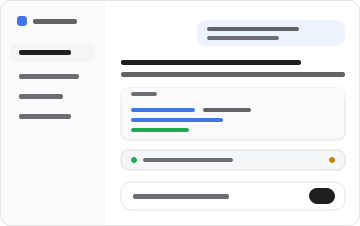 |
| OLED | dark — true black for emissive panels | 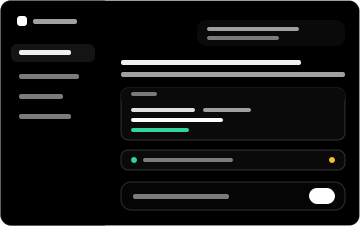 |
| Dracula | dark — high-contrast purple/indigo | 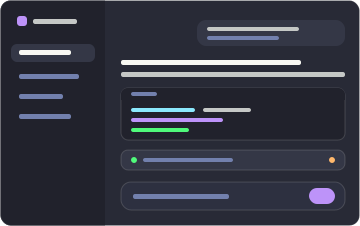 |
| Catppuccin | dark — soft pastel (Mocha) |  |
| Tokyo Night | dark — midnight blue with neon accents |  |
| GitHub Dark | dark — familiar GitHub interface | 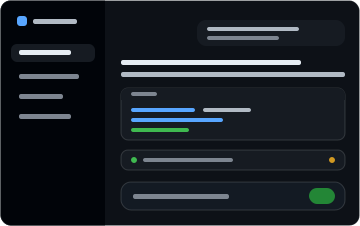 |
| Solarized | dark — scientific teal, yellow accent | 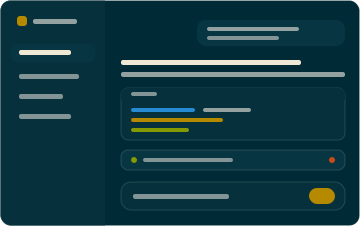 |
| Gruvbox | dark — retro warm palette, orange |  |
| Nord | dark — arctic north-blues, frost |  |
| Synthwave '84 | dark — neon pink/cyan on deep violet | 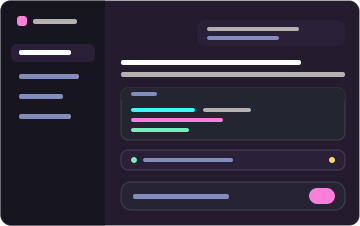 |
| Cobalt2 | dark — cobalt blue, signature yellow | 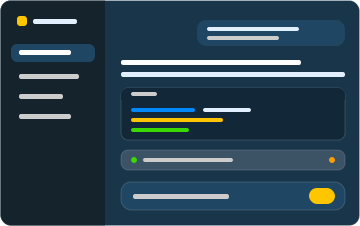 |
Install
Two commands: one installs the dependency, adds the layer to the profile, and mounts the feature; the other starts the Web surface.
dsh plugin --profile web add @dshthemes/ui
dsh web
web is the shipped Web profile and initializes on first use. Pick a theme under Settings → General; the selection persists, so nothing else runs from a terminal.
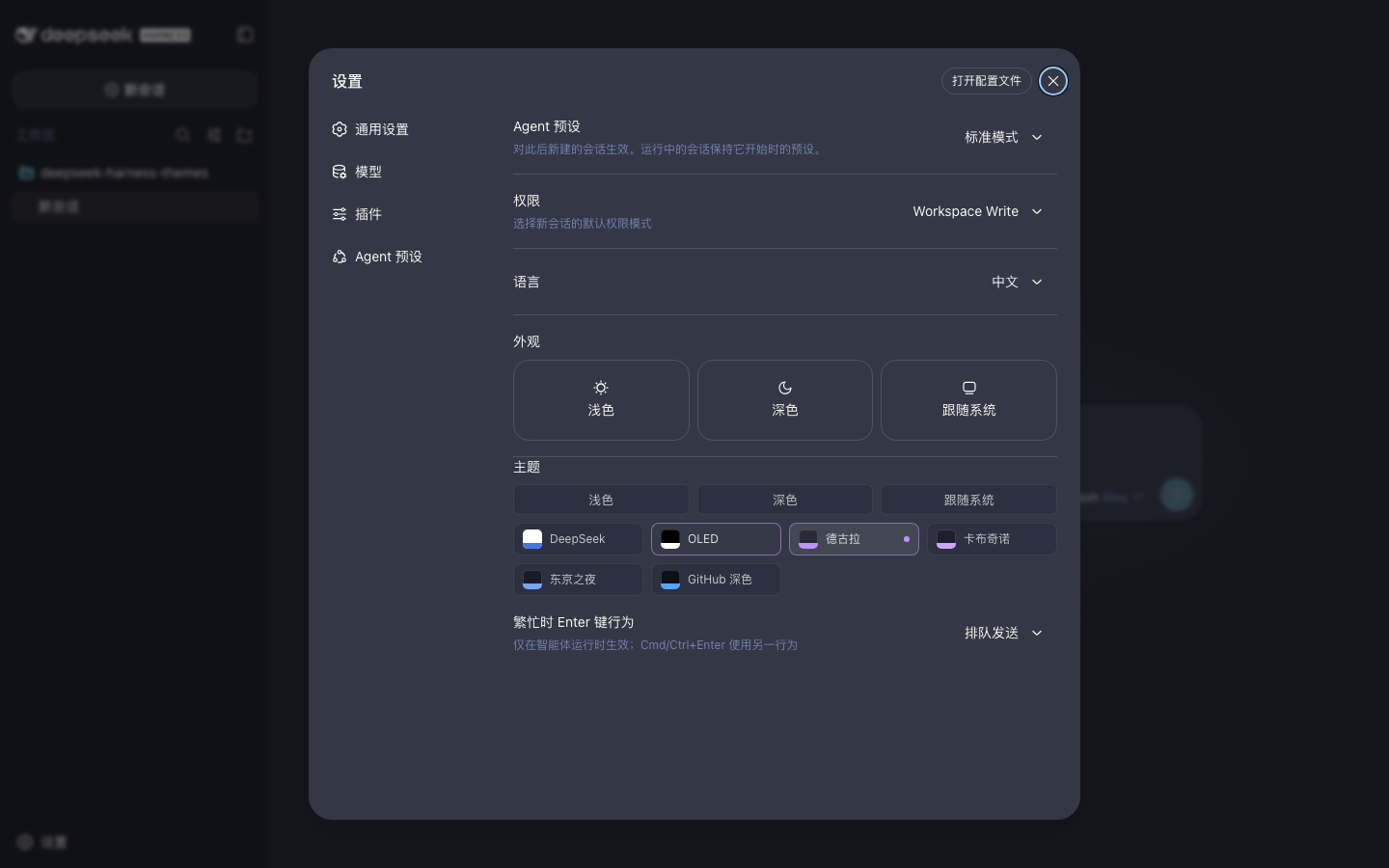
Remove it just as easily:
dsh plugin --profile web remove @dshthemes/ui
See docs/installation.md for the core-only shape, installing from a source checkout, the hand-written patch alternative, local development, and troubleshooting.
Theme philosophy
Themes change how deepseek-harness looks, not how it behaves. A theme is easy to install, easy to switch, easy to customize, consistent across UI states, comfortable during long coding sessions, and independent from agent logic. The token contract is docs/theme-spec.md.
Contributing
Community themes are welcome — docs/creating-a-theme.md is the ordered guide. Standing orders live in AGENTS.md.
Participation follows the Code of Conduct. Report vulnerabilities privately through the security policy.
License
MIT
Install
Install the catalog once, then DeepSeek Harness can find and install any plugin from this site automatically:
dsh plugin add dshbase-catalogThen say "install deepseek-harness-themes for me" — your agent finds it in the directory and installs it. Docs: dshbase-catalog · verified packs.
This plugin is GitHub source (not published to npm) — install it straight from the repo:
Web profile:
dsh plugin --profile web add github:orxz/deepseek-harness-themesHeadless (CLI) profile:
dsh plugin --profile headless add github:orxz/deepseek-harness-themesTest report
Verified: L1 install + L2 load + L3 runtime from GitHub source on dsh 0.1.0-rc.6.
When to use it
Change how dsh looks or how you interact with it — a theme, a skin, or a new panel that reshapes the workspace.
Who it's for
Users who spend hours in the web UI and want it to look and feel the way they work.
For developers — extending it
Skins, panels, and theme tokens are the extension points — author a new skin, add a panel, or sync tokens with an upstream palette.
Share this badge
Drop this badge into your README — it links back here and updates automatically when our test status changes:

[](https://dshbase.com/plugins/deepseek-harness-themes/)<a href="https://dshbase.com/plugins/deepseek-harness-themes/"><img src="https://dshbase.com/badges/deepseek-harness-themes.svg" alt="dshbase install-tested"></a>